How to Fix a Lionel Train That Runs Jerky or Surges: Complete 2026 Troubleshooting Guide
November 28, 2026
Your Lionel train lurches, stutters, speeds up and slows down on its own, or hesitates in the same spots every lap. Jerky running is almost always a power problem, a mechanical drag problem or a mismatch between the locomotive and how you are powering it. This guide walks through the causes in the order that fixes the most trains fastest, starting with the free ones.
First, note the pattern. Does it jerk everywhere, only in certain spots, only at low speed, or only after it has run for a while? Each pattern points to a different cause below.
1. Dirty Track, Wheels and Pickup Rollers
This is the number one cause. A locomotive picks up power through its pickup rollers on the center rail and its wheels on the outside rails. A film of dirt, oxidation or oil on any of them causes tiny interruptions in power, and the engine stutters or surges as contact comes and goes.
- Clean the rails, especially the top of the center rail, with a track cleaning eraser or a lint-free cloth and track cleaning fluid.
- Clean the wheel treads and the pickup rollers on the locomotive and any powered or lighted cars.
- Check that each roller spins freely and that its spring pushes it firmly against the center rail. Our pickup roller repair guide covers worn rollers and weak springs.
2. Loose Track Joints and Voltage Drop
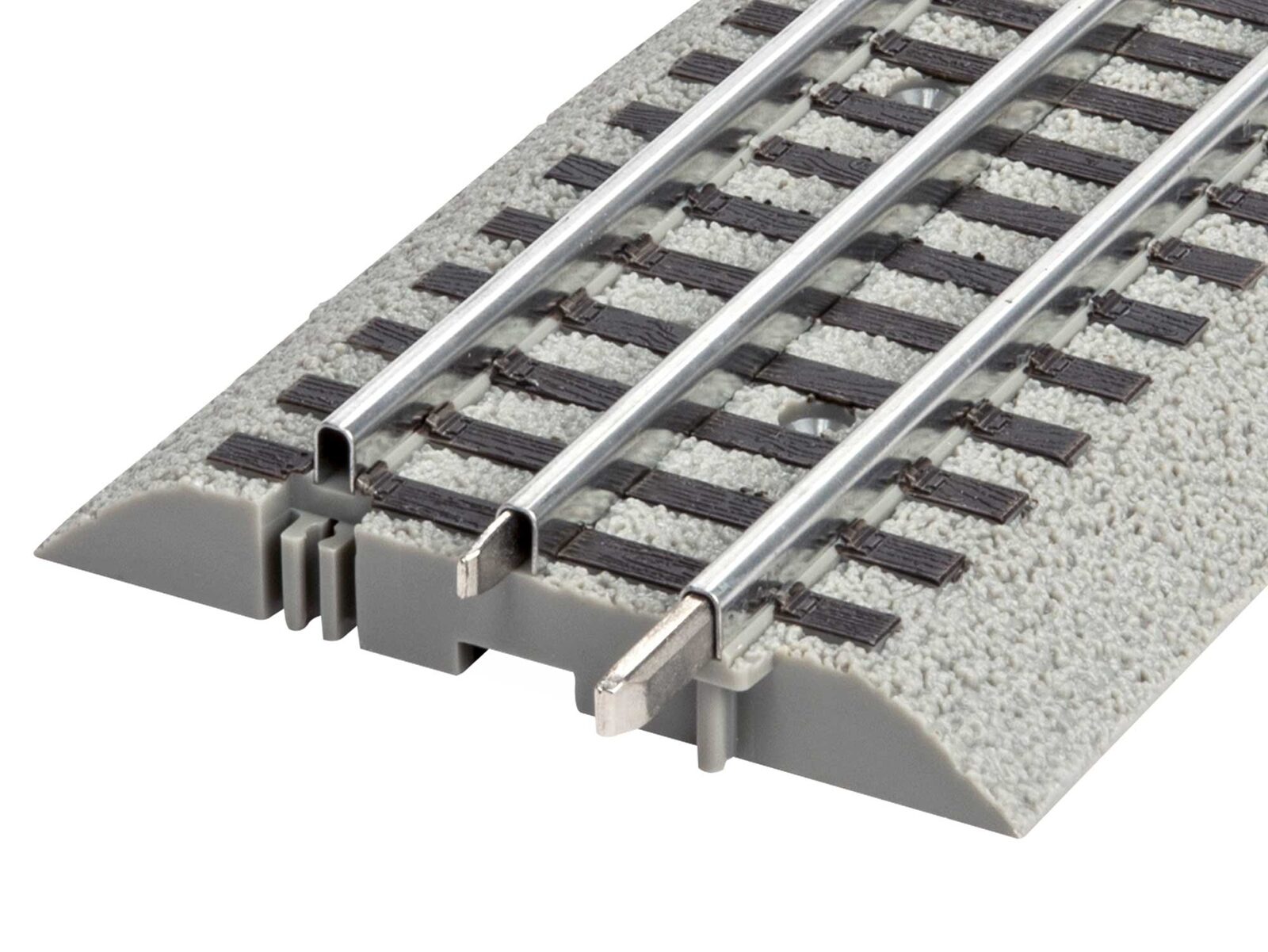
Every rail joint is a small electrical connection. Loose or corroded joints, bent pins and slightly separated sections all lose a little voltage, and on a large layout the losses add up. The train runs well near the transformer and slows or stutters on the far side.
- Press every section together firmly and check for gaps, humps or bent pins.
- On older tubular track, loose or corroded pins are common. Tighten or replace them.
- Add more feeder wires from the transformer to the track at several points around a larger layout, so power does not have to travel through dozens of joints. Our O gauge wiring guide shows how.
3. Measure the Voltage to Find Weak Spots
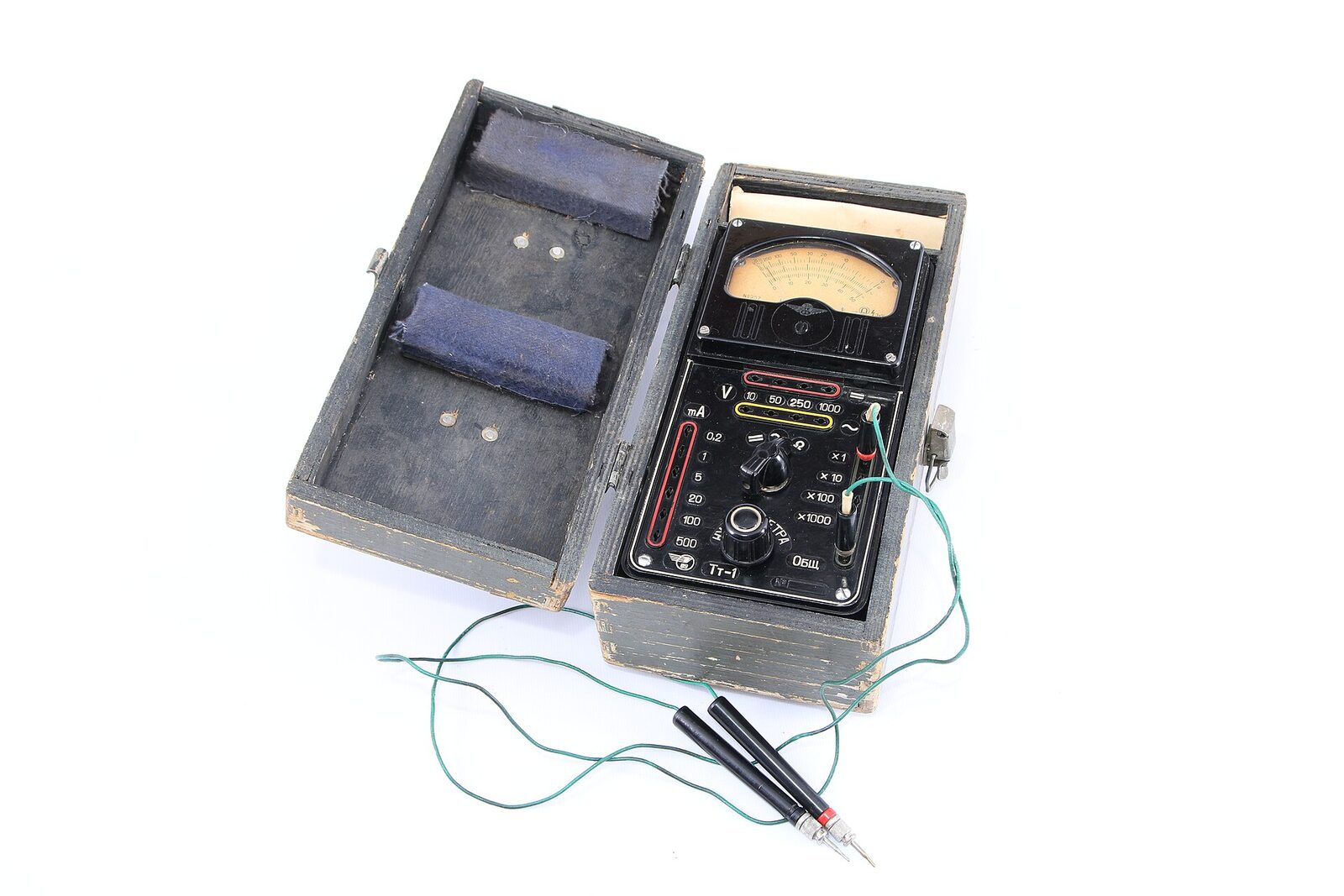
A multimeter turns guesswork into a map. Set it to AC volts, set your transformer to a steady output, and measure between the center rail and an outside rail at several places around the layout. The readings should be close to each other. Where the voltage drops noticeably, you have a bad joint or need another feeder there. If the train only stutters in one spot, check that spot first; our guide to trains that stall on switches and dead spots covers switches and insulated sections.
4. The Wrong Kind of Power for the Locomotive
Modern electronic locomotives do not always like being run with a traditional throttle.
- LionChief engines: Lionel's LionChief manuals say to set an AC transformer to full, 18 volts, and control the train with the remote. Running a LionChief engine with the transformer throttle turned down starves its electronics and can make it hesitate or behave erratically.
- Command engines in conventional mode: TMCC, LEGACY, LionChief Plus and MTH Proto-Sound engines need a minimum voltage before they start moving, so at low throttle they can sit still and then lurch forward. Bring the throttle up smoothly, or run them in command mode where track voltage stays constant.
- Momentum settings: high momentum in a command system or app makes an engine feel sluggish to respond. That is a setting, not a fault.
5. An Old or Worn Transformer
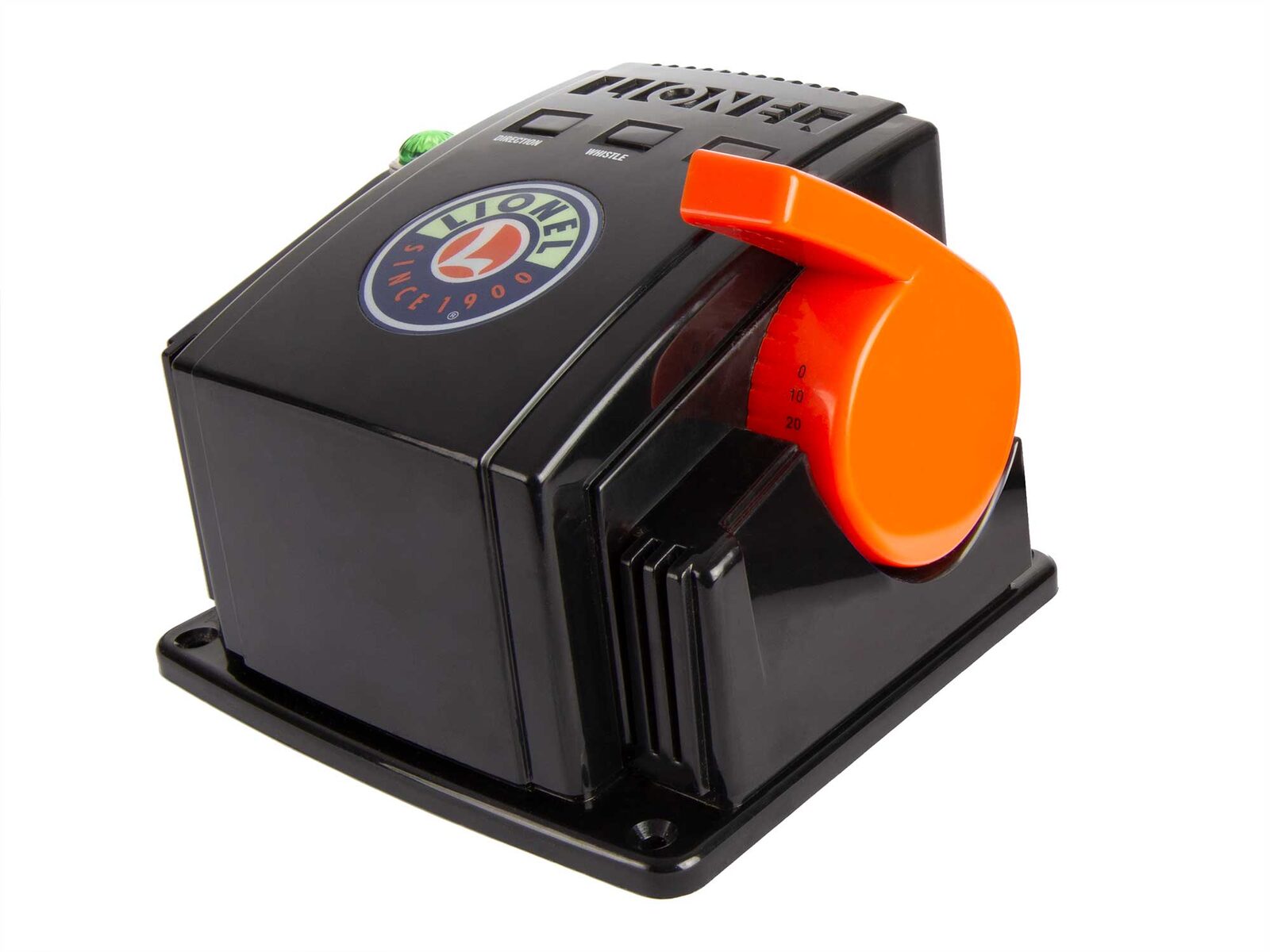
On many postwar Lionel transformers, a carbon roller rides along the transformer's coil as you move the throttle. A dirty or worn roller or coil surface makes the output voltage jump around, so the train surges as you adjust speed. If the jerking follows the throttle handle rather than a spot on the layout, have the transformer cleaned and checked by a service shop, or try a different transformer to compare. Also make sure the transformer is big enough for everything you run; an overloaded transformer can sag. Our transformer sizing guide helps you check.

6. Mechanical Drag and Binding
If power is good, look at what the motor is fighting. Drag makes an engine labor, slow down and then lurch forward.
- Dry or gummed-up gears: old, hardened grease makes a drivetrain bind. Clean and re-lubricate the gears and bearings. Our noisy locomotive guide covers gear service.
- Binding cars: one car with stiff trucks makes the whole train surge on curves. Roll each car by hand and fix any that stop quickly.
- Curves too tight: a locomotive or long car on curves below its minimum radius binds and jerks through them.
- Debris: hair and carpet fibers wound around axles add drag. Pick them out.
7. Worn Motor Brushes
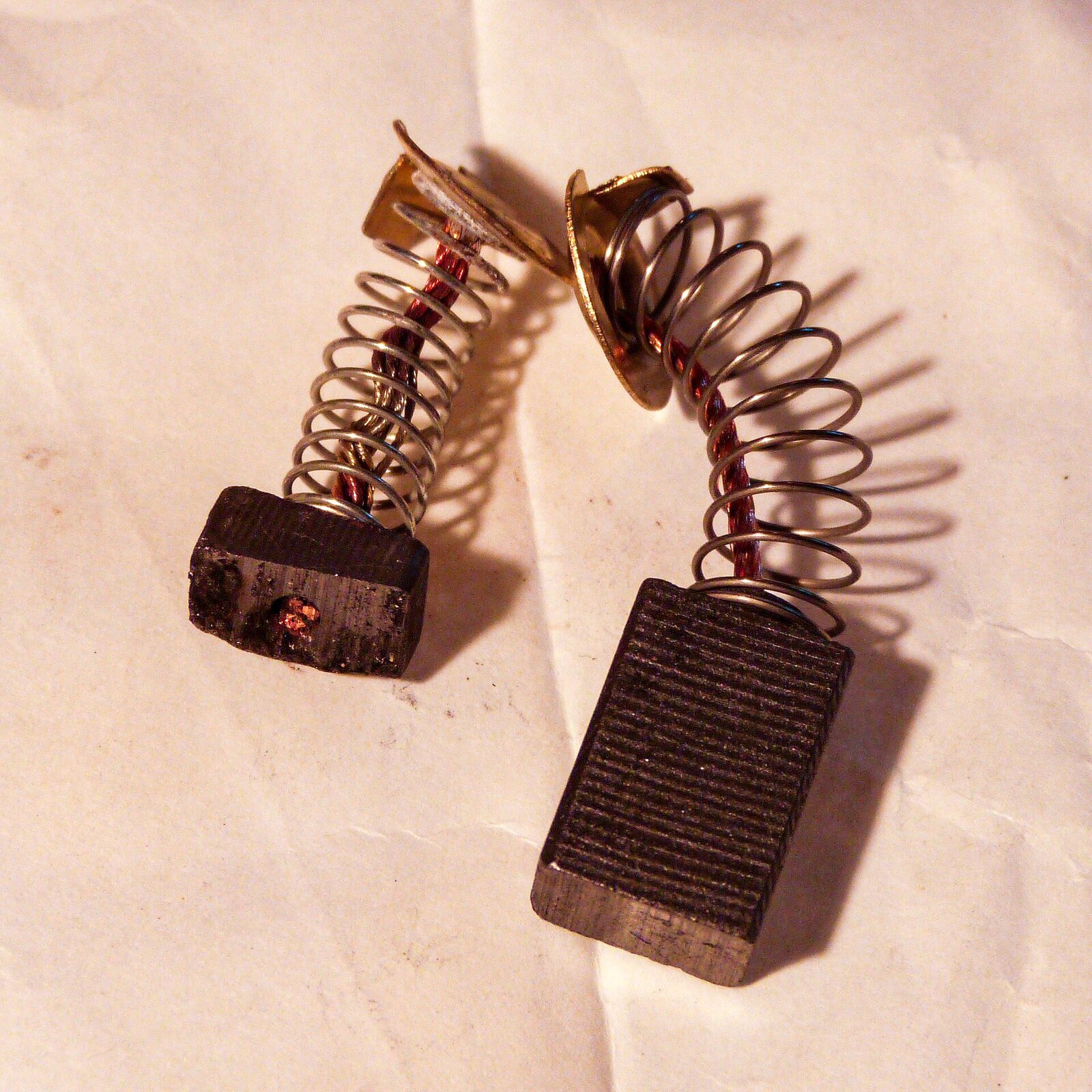
On older locomotives with brushed motors you can service, worn carbon brushes or weak brush springs make the motor run unevenly or cut in and out. Replacing brushes is a straightforward job on many postwar engines; see our motor brush repair guide. On modern sealed motors, have a service center check it.
8. Command Signal Problems
If the engine responds erratically to your remote, rather than losing power, look at the command signal. On TMCC and LEGACY layouts, make sure the command base's ground wire is connected securely to the track's outside rail. On MTH DCS layouts, a weak signal causes poor response; see our DCS setup guide. For LionChief remotes, our LionChief remote guide covers batteries, app conflicts and pairing.
Quick Checklist
- Clean the rails, wheels and pickup rollers.
- Press track joints together and fix bent or loose pins.
- Measure track voltage around the layout and add feeders where it drops.
- Run LionChief engines with the transformer at full, 18 volts.
- Bring command engines up to speed smoothly in conventional mode, or use command mode.
- Check an old transformer if the jerking follows the throttle.
- Clean and lubricate gears and fix binding cars.
- Replace worn motor brushes on older engines.
Frequently Asked Questions
Why does my Lionel train run jerky?
Most often because of dirty track, wheels or pickup rollers, loose track joints or voltage drop on a large layout. Mechanical binding, worn motor brushes and running electronic engines with too little voltage can also cause it.
Why does my train slow down on one side of the layout?
Voltage drop. Power loses a little at every rail joint, so the far side of the layout gets less. Tighten joints and add feeder wires from the transformer at several points.
Can I run a LionChief train with my old transformer?
Yes. Lionel says to set the transformer to full, 18 volts, and control the train with the remote. Running it with the throttle turned down can cause erratic behavior.
Why does my train lurch when I start it?
Electronic command engines in conventional mode need a minimum voltage before they move, so they can sit still and then jump forward. Raise the throttle smoothly, or run them in command mode.
Can a bad transformer make a train run unevenly?
Yes. On many postwar transformers, a dirty or worn roller and coil surface makes the output jump as you move the throttle. Have it cleaned and checked, or compare with another transformer.
Newsletter
Weekly O-gauge tips & reviews
New reviews, layout ideas, and hobby news, straight to your inbox.