How to Fix Lionel Trains That Stall on Switches and Dead Spots: Complete 2026 Troubleshooting Guide
November 12, 2026
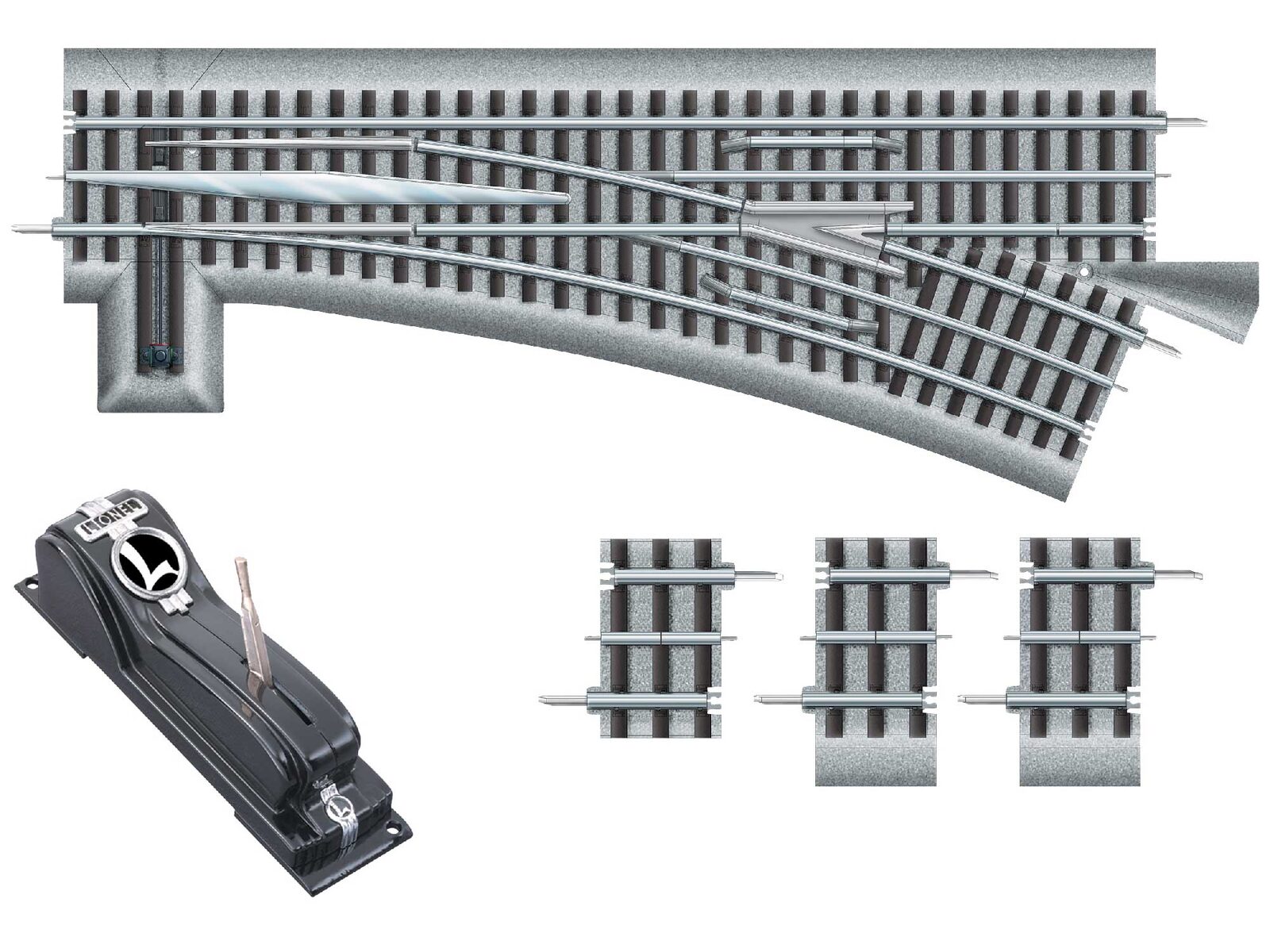
Your Lionel train runs fine for a lap, then stops dead on the same switch. Or it slows down and stalls at the same spot on the far side of the layout every time. These are two of the most common O-gauge complaints, and they usually come down to one of two things: the locomotive briefly loses contact with power, or the track is not delivering enough power to that spot. This guide shows how to tell which one you have and how to fix it.
First, Read the Pattern
- Only one locomotive stalls, and only on switches: almost always that engine's pickup roller spacing. See the next section.
- Every locomotive stalls at the same spot: the track or wiring at that spot is the problem.
- Trains slow down the farther they get from the transformer: voltage drop. You need more power feeds.
- A conventional engine stops at a switch and will not restart until you cycle the power, or it suddenly reverses: a brief power interruption is cycling its reversing unit.
Run a few laps with one engine, then another, and note exactly where each one hesitates.
Why Short Locomotives Stall on Switches
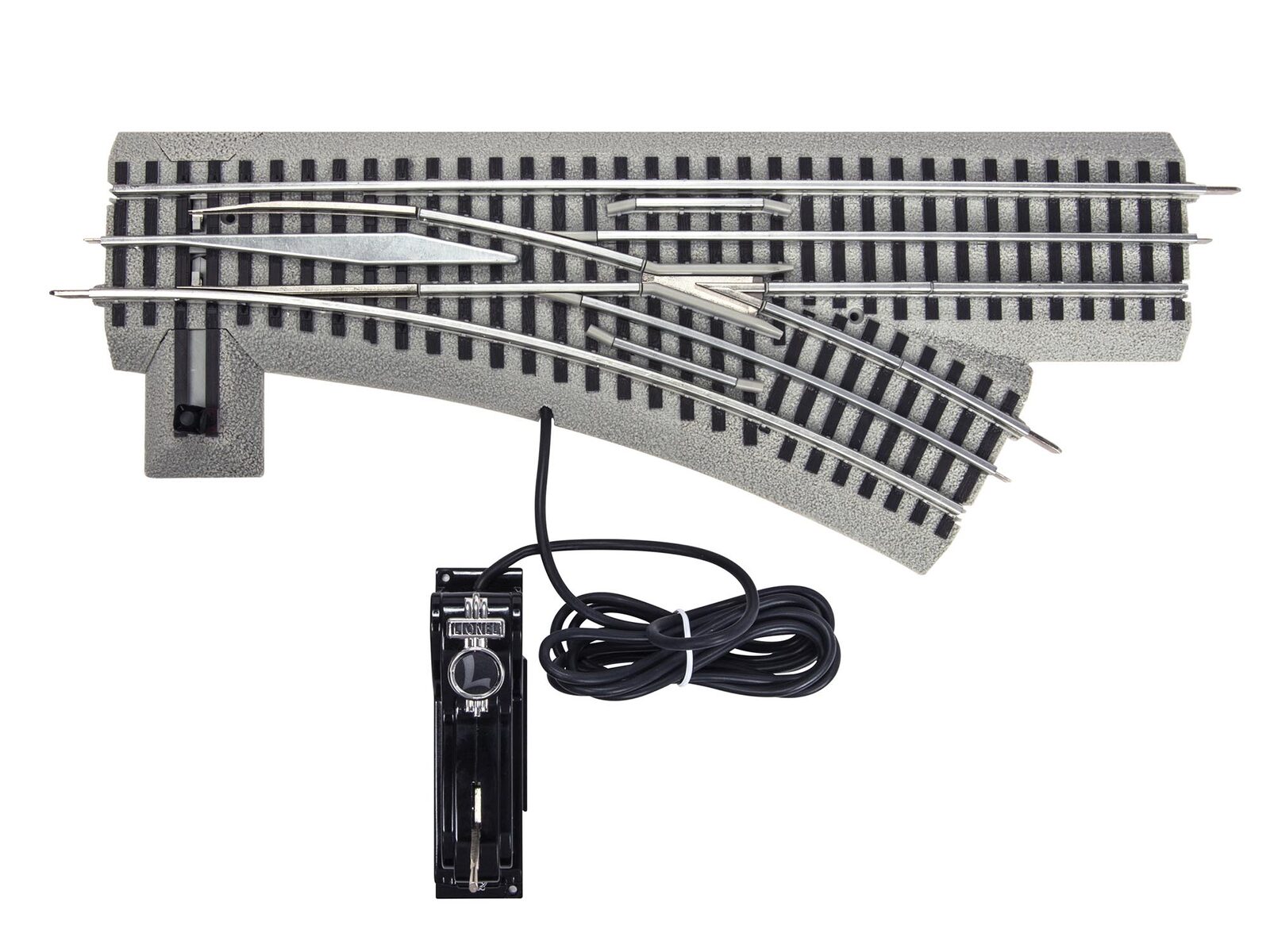
On a three-rail switch, the center rail cannot run straight through the frog, where the two routes cross. There is a short stretch where the locomotive's center-rail pickup rollers ride over a gap or a dead section instead of powered rail.
Most locomotives have two pickup rollers spaced far enough apart that one is always touching powered rail. Small switchers like 0-4-0s and 0-8-0s, short diesels, and some single-motor engines have rollers close together, or only one roller, so both can sit on the dead section at the same moment. The engine loses power and coasts to a stop on the frog.
Fixes:
- Carry a little more speed through the switch so momentum carries the engine across the dead section.
- Clean the switch, especially the center rail pieces on both sides of the frog. Dirt on a short powered section makes the dead stretch effectively longer.
- Clean and check the rollers on the stalling engine. A sticky or worn roller loses contact sooner. Our pickup roller repair guide covers this.
- Run longer-wheelbase engines through that switch and keep the smallest switchers on plain track if the problem persists.
Conventional Engines That Stop or Reverse at Switches
On older conventional locomotives, the reversing unit (the E-unit on postwar Lionel) changes state every time track power is interrupted. That is how you change direction with the transformer. A brief power loss at a switch frog or a dirty joint can trip it: the engine drops into neutral and stops, or comes back in reverse.
- Clean the switch, the track and the engine's rollers so contact is never broken.
- On many postwar engines, the E-unit has a lever that locks it in one direction. Locking it stops the problem, at the cost of reversing from the transformer.
- If the reversing unit misbehaves everywhere, not just at switches, see our reverse unit repair guide.
Command-control locomotives also need clean, constant power. A momentary dropout can make them stutter or restart their sounds, so the same cleaning steps help on LEGACY, TMCC and LionChief layouts.
Finding Dead Spots and Weak Spots
If every train stalls in the same place, find out whether that spot has power.
- Set your transformer to a fixed voltage, or run your command system at its normal track voltage.
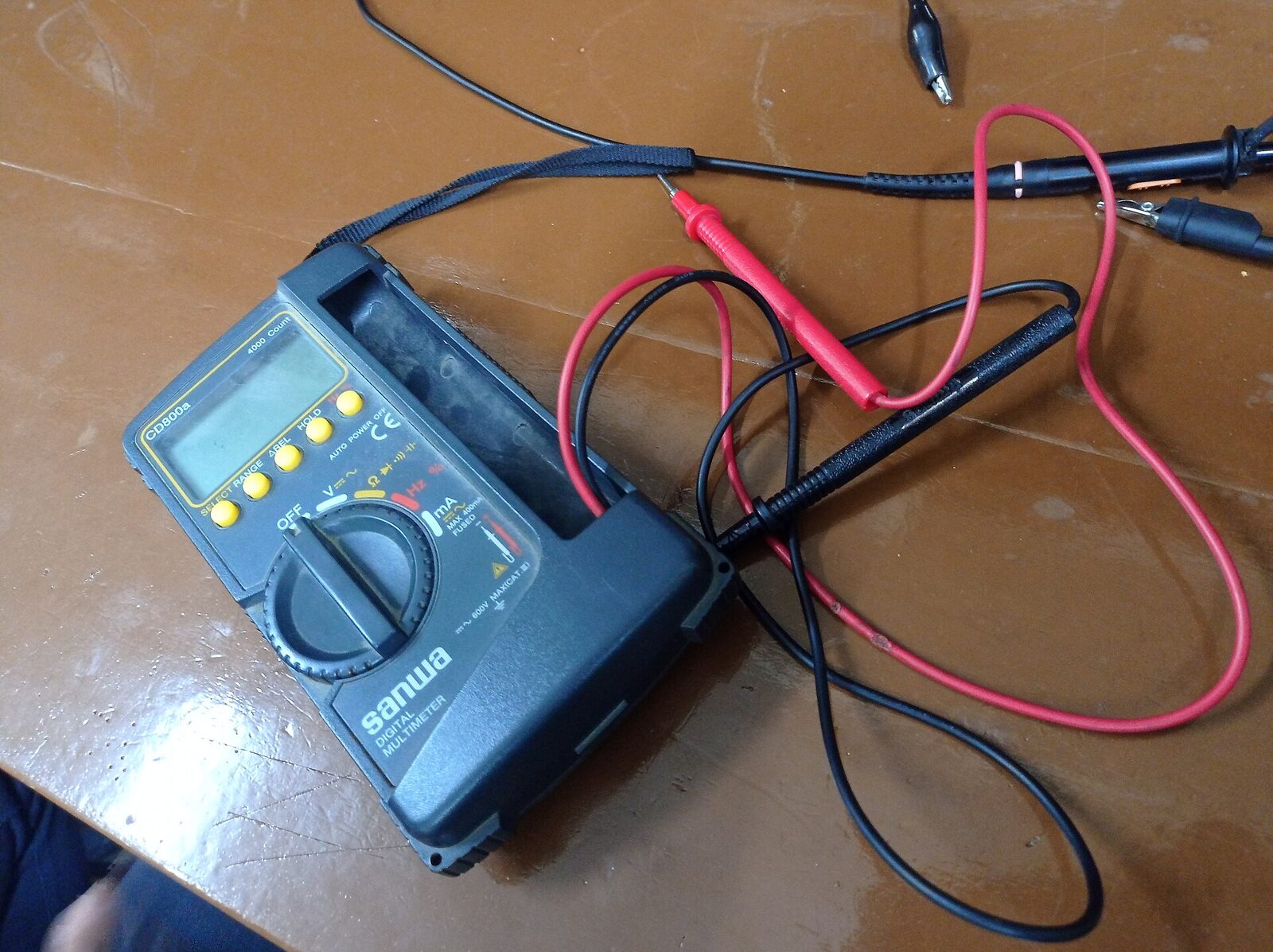
- Measure AC voltage with a multimeter between the center rail and an outside rail right next to your power feed, and note the reading.
- Measure again every few track sections around the layout, especially at the stall spot.
- Zero volts at a spot means a broken connection: a joint that is not seated, a loose track pin, a broken wire or an insulated section in the wrong place.
- A noticeably lower reading far from the feed means voltage drop through all those track joints.
No multimeter? Push a lighted car slowly around the layout and watch where its lights dim.
Fixing Dead Spots: Joints, Cleaning and Feeders
- Reseat every joint near the dead spot. On FasTrack, pull the sections apart and click them back together; on tubular track, replace loose or corroded pins.
- Clean the rails with a track cleaner or isopropyl alcohol on a cloth. Our track cleaning car roundup covers tools for larger layouts.
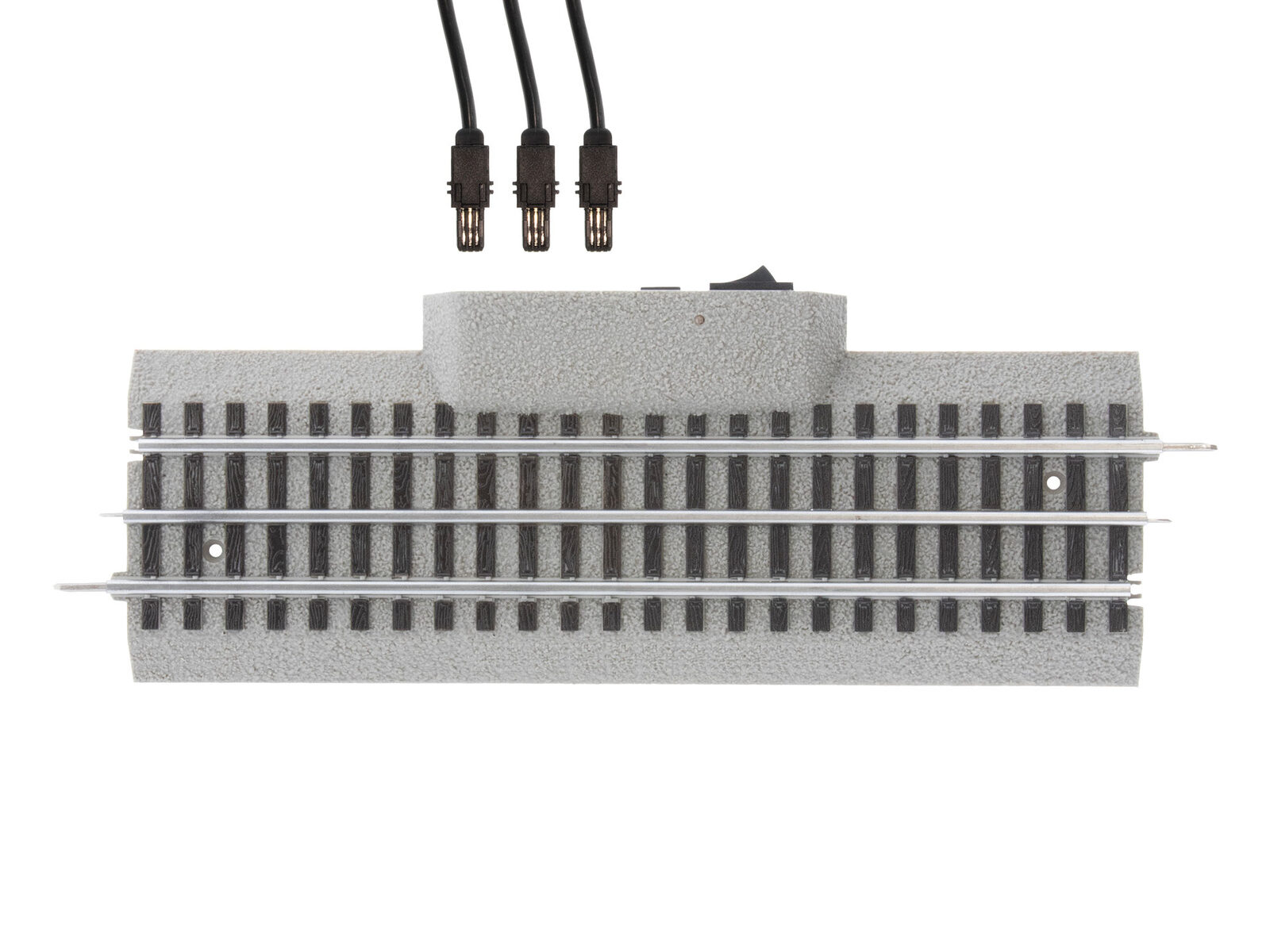
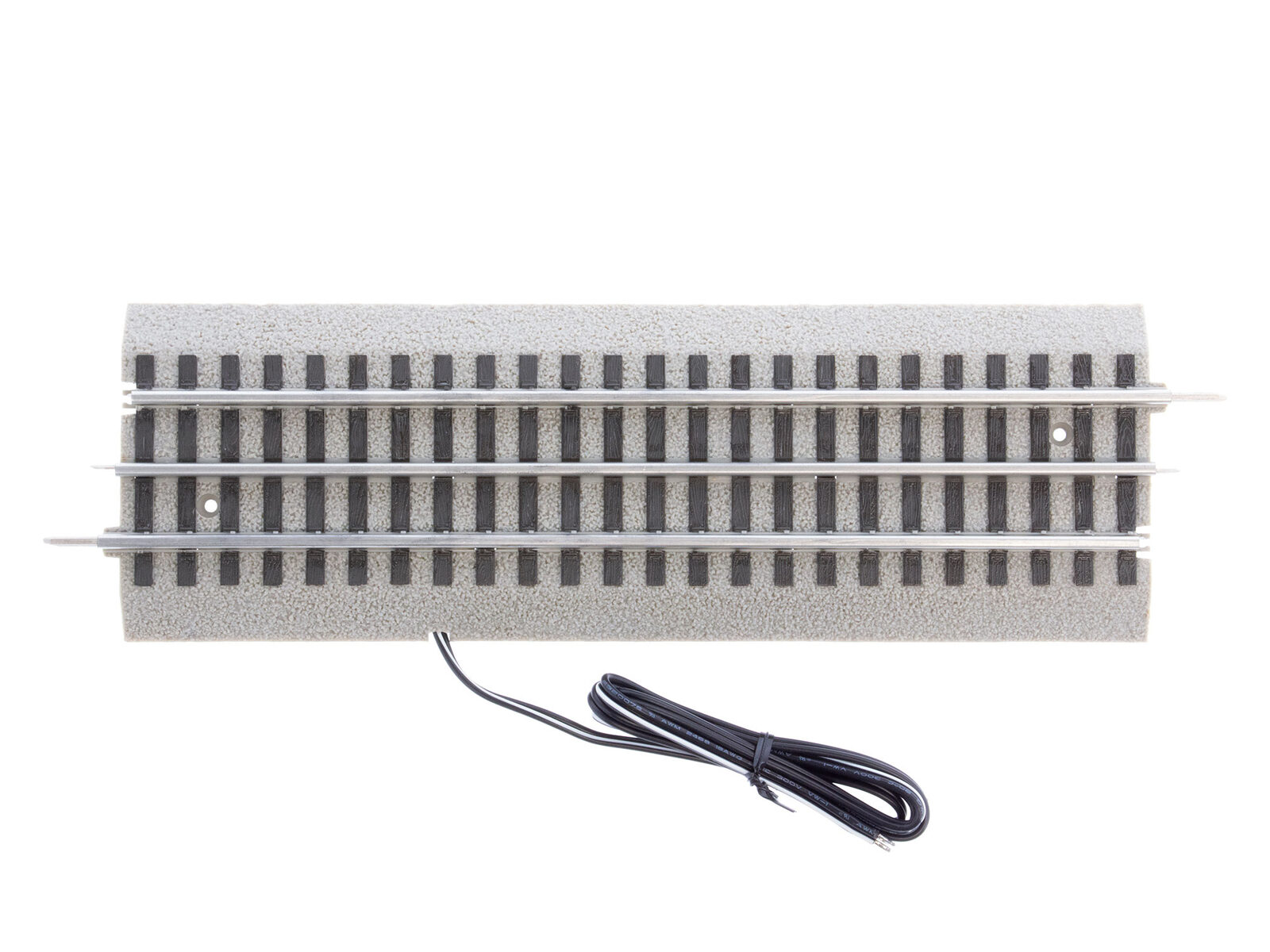
- Add feeder wires. Every track joint adds a little resistance, so on larger loops one terminal section is not enough. Run additional feeders from the transformer to the track around the layout; a common rule of thumb is a feeder every 10 to 15 feet of track. On FasTrack, power lock-on sections and Power Block Lock-ons make this easy without soldering.
- Use heavier wire for long runs from the transformer so the wire itself does not drop voltage.
For a full walkthrough of feeders and power districts, see our guide to wiring multiple blocks.
Switches That Steal Power
Remote switches can also cause trouble when they draw their operating power from the track:
- Weak throws or a dimming train when a switch throws can mean the power supply is undersized for trains plus switches. Many FasTrack remote switches can be set to take power from the track or from a separate constant-voltage source; a separate accessory supply keeps track voltage steady.
- A switch that is not fully thrown leaves its points partway and can make both power and derailment problems worse. Our derailment troubleshooting guide covers switch points in detail.
Quick Checklist
- Note whether one engine or every engine stalls, and where.
- Clean the switch frog area, the track and the engine's rollers.
- Carry a little more speed through switches with short engines.
- Lock the E-unit on postwar engines that reverse at switches.
- Measure voltage around the layout to find dead or weak spots.
- Reseat joints and replace loose tubular track pins.
- Add feeders around larger loops and use heavier wire for long runs.
- Power remote switches from a separate supply if throws dim your trains.
Frequently Asked Questions
Why does my Lionel engine stop on switches?
The center rail is interrupted at the switch frog. Short locomotives with pickup rollers close together, or a single roller, can lose power there and stall. Cleaning the switch and carrying a little more speed usually fixes it.
Why does my train stop at the same spot every time?
That spot is not getting enough power, usually because of a loose joint, dirty track, a broken connection or voltage drop far from the power feed.
How many power feeds does an O-gauge layout need?
Small starter loops run fine on one terminal section. On larger layouts, a common rule of thumb is a feeder every 10 to 15 feet of track.
Why does my postwar Lionel train reverse by itself?
A brief loss of track power cycles the E-unit reversing switch. Clean the track, switches and rollers, or lock the E-unit in one direction with its lever.
Can remote switches cause my train to slow down?
Yes, if they draw power from the track and your power supply is small. Powering switches from a separate constant-voltage source keeps track voltage steady.
If your train will not move at all, start with our train won't run troubleshooting guide.
Newsletter
Weekly O-gauge tips & reviews
New reviews, layout ideas, and hobby news — straight to your inbox.