How to Fix Lionel Couplers That Won't Uncouple: Complete 2026 Repair Guide
November 15, 2026
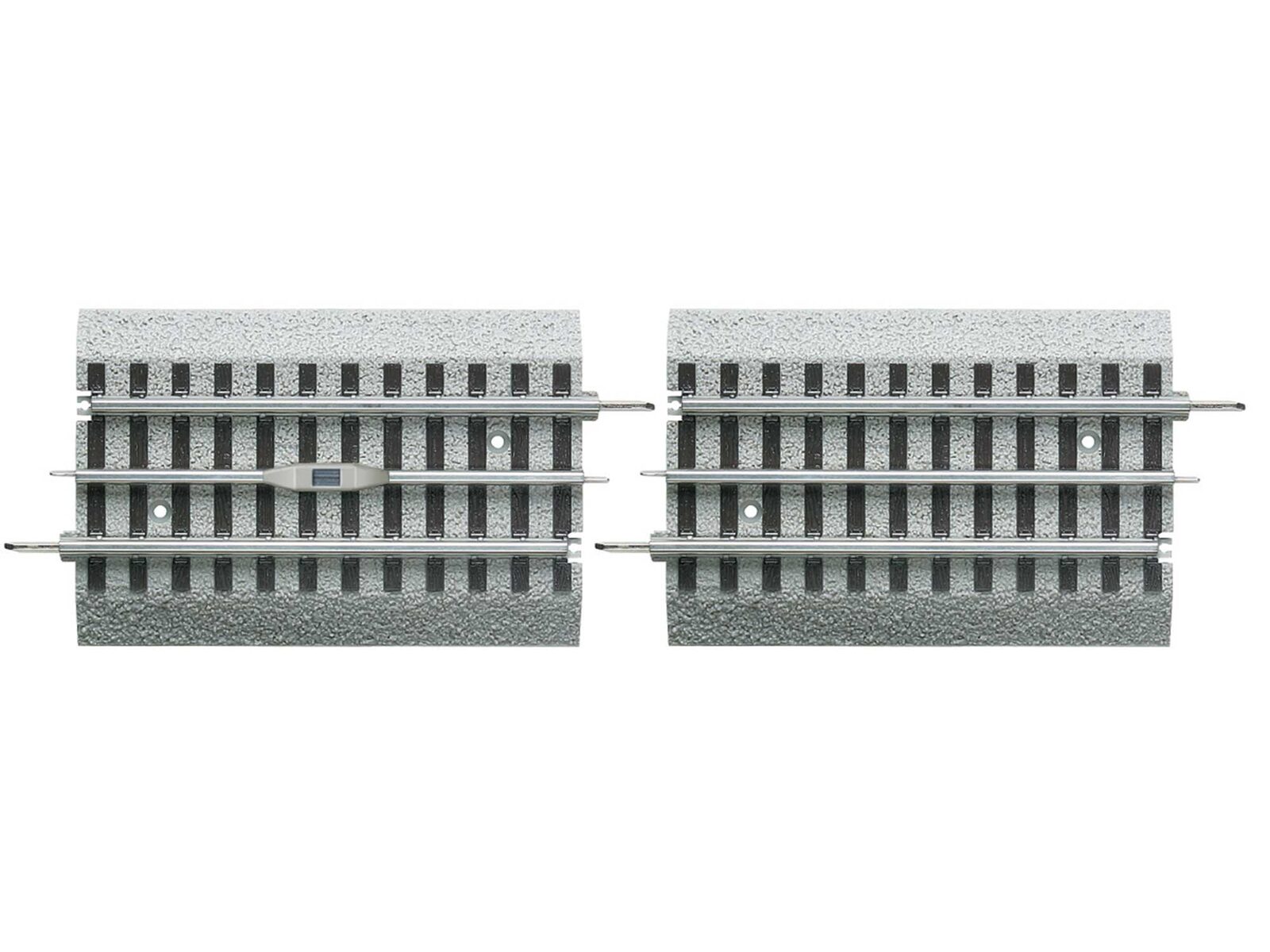
Your Lionel cars stay coupled just fine. The trouble is getting them apart. You stop over the uncoupling track, press the button, and nothing happens, or the ElectroCoupler on your locomotive clicks but will not let go. This guide covers the opposite of the usual coupler problem: couplers that will not uncouple. If your cars come apart on their own instead, see our guide to couplers that won't stay coupled.
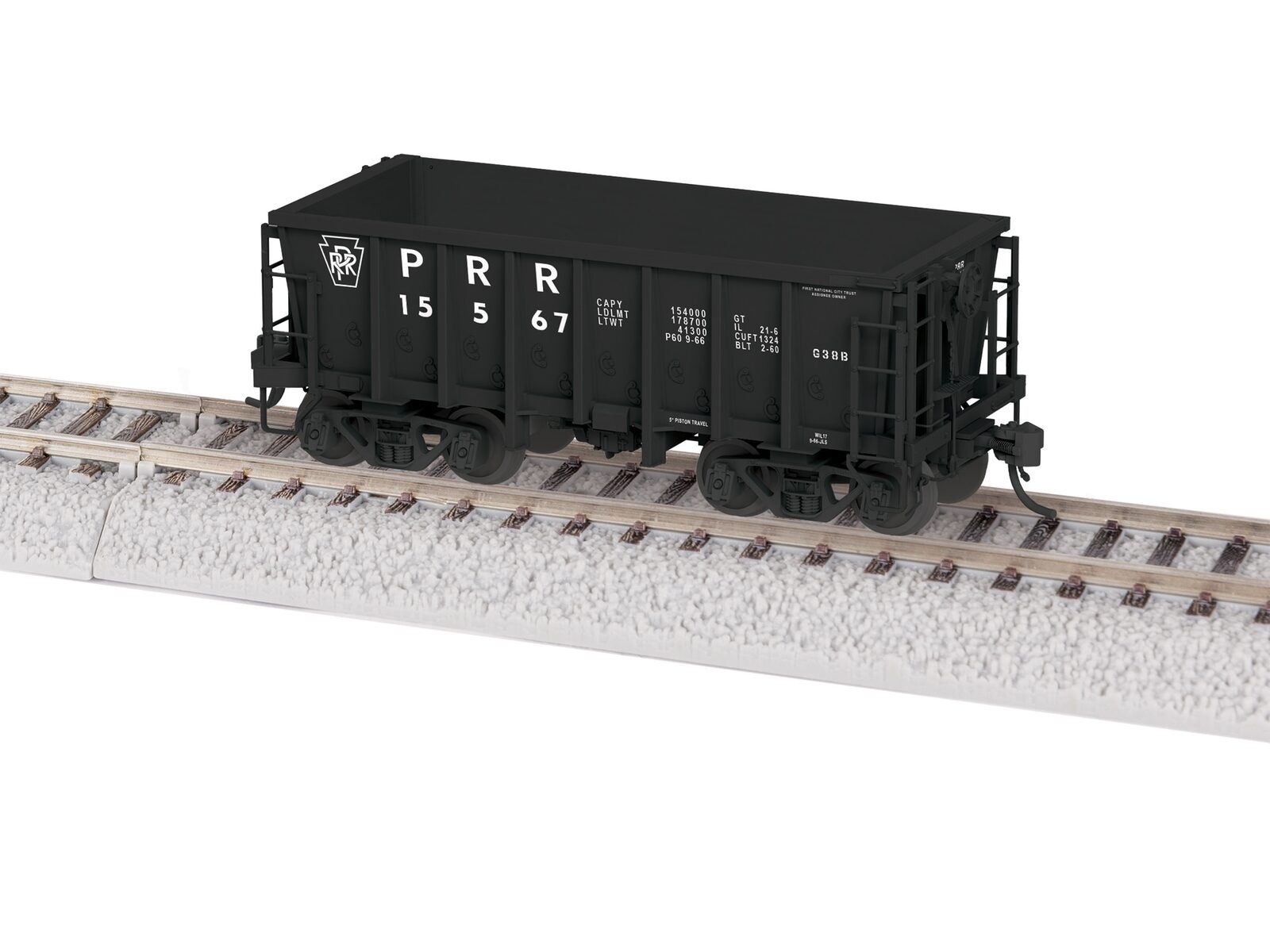
How Lionel Couplers Open
There are three ways to uncouple on a Lionel layout, and each fails for different reasons:
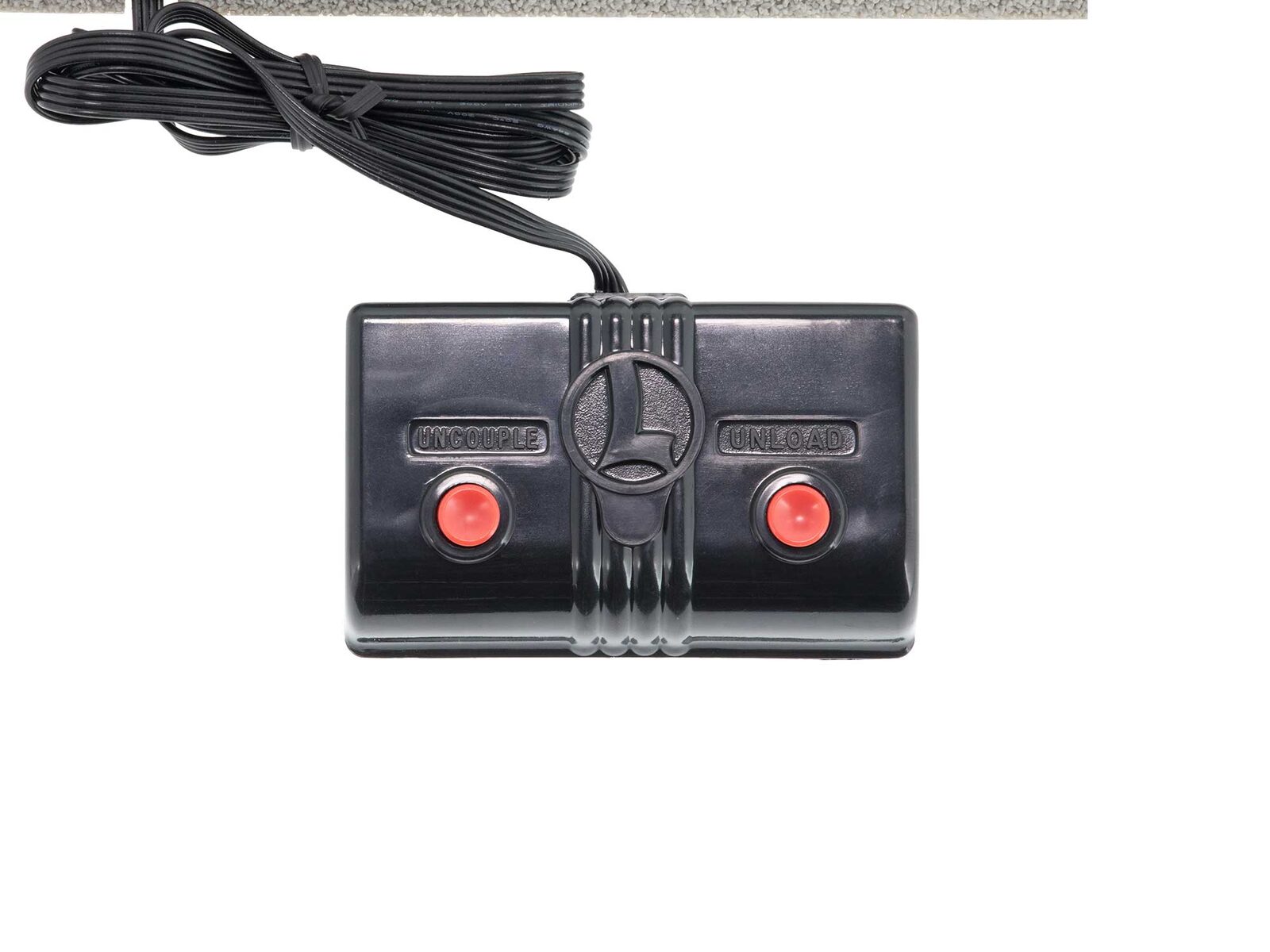
- Uncoupling track: on most Lionel freight and passenger cars, a small metal plate or pin hangs below the coupler. A magnet in an uncoupling track pulls it down, which releases the knuckle so it can swing open. Lionel's FasTrack Remote Uncoupling Track (6-12020) has a central magnet and control rails activated by a push button.
- ElectroCouplers: many command-control locomotives, and some rolling stock, have powered couplers you fire from a remote or app.
- By hand: pressing the release plate or pin with a fingertip or a small pick.
Older trains add a fourth type: some late-1940s Lionel cars use coil-operated couplers with a sliding pickup shoe instead of a magnetic plate, and they need a remote control track with powered control rails rather than a magnet alone.
Step 1: Give the Couplers Slack
This fixes more uncoupling problems than anything else. A knuckle under tension, with the locomotive pulling or pushing on it, is held shut by friction and will not open even when the magnet or ElectroCoupler fires.
- Stop with the two couplers you want to separate right over the uncoupling magnet.
- Ease the locomotive back a fraction of an inch so the cars bunch slightly and the couplers go slack.
- Activate the uncoupler, then pull away slowly.
The same rule applies to ElectroCouplers: back up gently to take the load off, fire the coupler, then pull away.
Step 2: Check the Uncoupling Track
- Position: the coupler's plate or pin has to be right over the magnet, not a few inches past it. Mark the magnet's location on the track or scenery so you know where to stop.
- Power: Lionel lists the FasTrack Remote Uncoupling Track as operating on AC power only. It will not work from a DC supply.
- Is the magnet working? Hold a steel screwdriver tip just above the magnet and press the button. You should feel it pull. If not, check the controller, its wire and the connections under the track section.
- Weak pull: if the uncoupler takes its power from the track, a low track voltage means a weak magnet. Many operators power uncoupling and operating tracks from a separate fixed accessory voltage so they work the same at any train speed.
Step 3: Check the Coupler Plate and Knuckle
If the magnet works but one car will not open, the problem is that car's coupler.
- Plate height: the release plate or pin needs to hang close to the magnet. If it is bent up, the magnet cannot reach it. If it is bent too low, it can snag on switches and crossings and uncouple the car where you do not want it to. Adjust gently with needle-nose pliers so it sits just clear of the rails and ties.
- Sticky knuckle: work the knuckle open and closed by hand. Dirt, old lubricant, paint or a burr on the pivot can make it stick. Clean it with a dry brush and a swab of isopropyl alcohol; if it still drags, a tiny amount of dry lubricant on the pivot helps. Our Lionel cleaning guide covers the rest of the car.
- Weak or missing spring: the knuckle spring pushes the knuckle open once it is released. A tired or missing spring leaves it hanging closed.
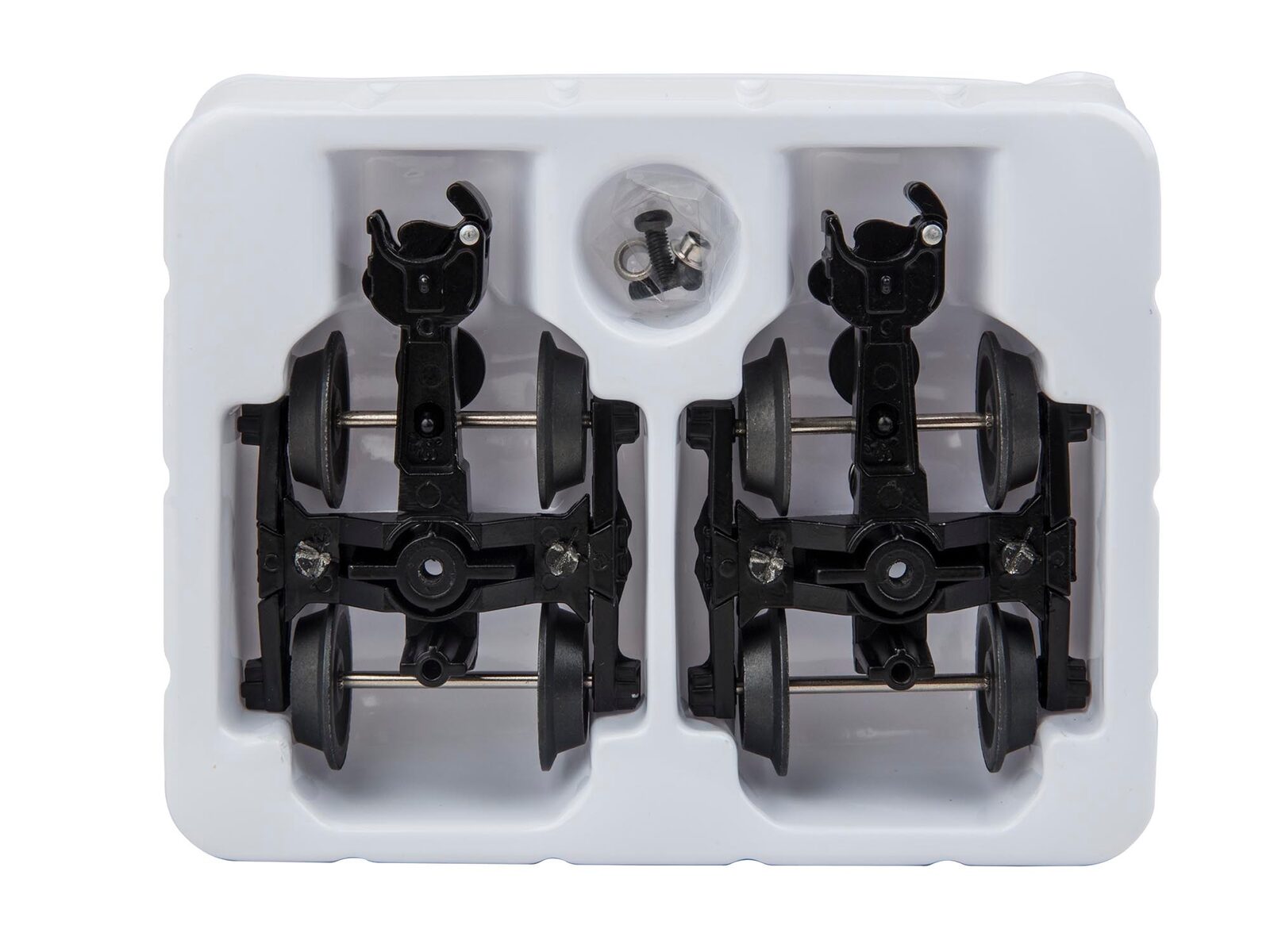
- Bent or broken parts: a bent pin or cracked coupler usually needs replacement. Replacement trucks with couplers are an easy fix on many modern cars.
- Coupler swing: the coupler should swing freely side to side on its mount. A coupler that binds can stay jammed against its partner.
Step 4: ElectroCouplers That Won't Fire
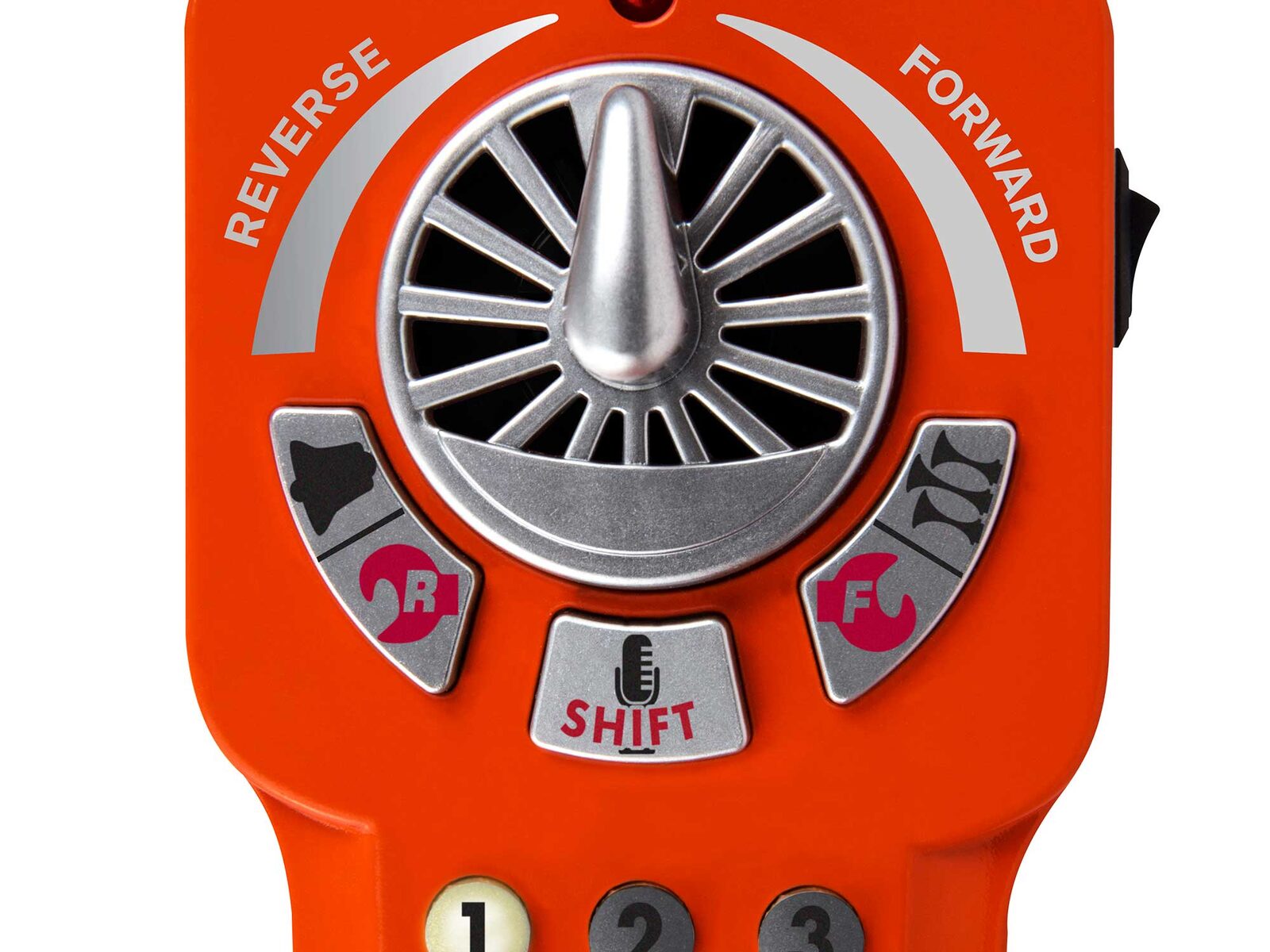
ElectroCouplers are fired from your controller: the front and rear coupler buttons on a Cab2 or the LionChief Universal Remote, or the couplers control in Lionel's Cab3 app, which Lionel lists as working only on engines equipped with ElectroCouplers.
- Confirm the engine has them. Many LionChief locomotives do not, so the button does nothing.
- Make sure the engine is selected and powered. With the Universal Remote, check you have the right engine number (1, 2 or 3) selected.
- Take up the slack before firing (Step 1).
- Listen for the click. A click with no release usually means a sticky knuckle; clean and free it as in Step 3. No click at all points to a wiring or coil fault inside the engine, which is a job for a repair shop if you are not comfortable opening the shell.
If you are deciding how to control your engines in the first place, our Cab3 vs LionChief remote vs MTH DCS comparison covers what each controller can do.
Step 5: Uncouple by Hand Without Derailing
On a small layout, uncoupling by hand is often simplest. Push the cars together slightly so the couplers are slack, then press the release plate or pin on one coupler with a fingertip or a small hobby pick and slide the cars apart. Avoid lifting one car up and off the other, which tends to pull the trucks off the track and can bend coupler parts. If cars keep derailing as you work, our derailment guide can help.
Mixing Brands and Old and New Cars
Lionel, MTH and other three-rail O-gauge knuckle couplers generally couple to each other, but differences in coupler height and release-plate design can make one pairing open poorly over a magnet even when each car works fine with its own kind. Postwar cars mixed with modern ones are the most common example. If one particular pair will not separate, try uncoupling the next coupler down the train instead, or swap which car goes next to it. Pulling an old set out of storage? See our guide to getting old Lionel trains running again.
Quick Checklist
- Back up slightly so the couplers are slack before uncoupling.
- Stop with the couplers directly over the magnet.
- Confirm the uncoupling track has AC power and the magnet pulls on a screwdriver.
- Power uncoupling tracks from a fixed accessory voltage if the pull is weak.
- Adjust the release plate so it hangs close to the magnet without snagging.
- Clean and free sticky knuckles and check the springs.
- For ElectroCouplers, confirm the engine has them, select it, take up slack and listen for the click.
Frequently Asked Questions
Why won't my Lionel cars uncouple over the uncoupling track?
Most often the couplers are under tension. Back up slightly to create slack, stop with the couplers over the magnet, then press the button. Also check that the magnet has power and that the coupler's release plate hangs close enough to it.
Does the Lionel FasTrack uncoupling track work on DC?
No. Lionel lists the FasTrack Remote Uncoupling Track (6-12020) as operating on AC power only.
Why does my ElectroCoupler click but not open?
The knuckle is usually under tension or sticking. Back up to take the load off, then fire it again, and clean the knuckle pivot if it still sticks.
Can I uncouple Lionel cars by hand?
Yes. Push the cars together slightly, press the release plate or pin on one coupler and slide the cars apart. Avoid lifting cars apart, which can derail them and bend coupler parts.
Why do my cars uncouple on switches but not where I want them to?
The release plate is hanging too low and catching on switch parts. Bend it up slightly so it clears the rails and switches but still reaches the uncoupling magnet.
Newsletter
Weekly O-gauge tips & reviews
New reviews, layout ideas, and hobby news, straight to your inbox.