How to Fix a Lionel FasTrack Switch That Won't Throw: Complete 2026 Repair Guide
November 25, 2026
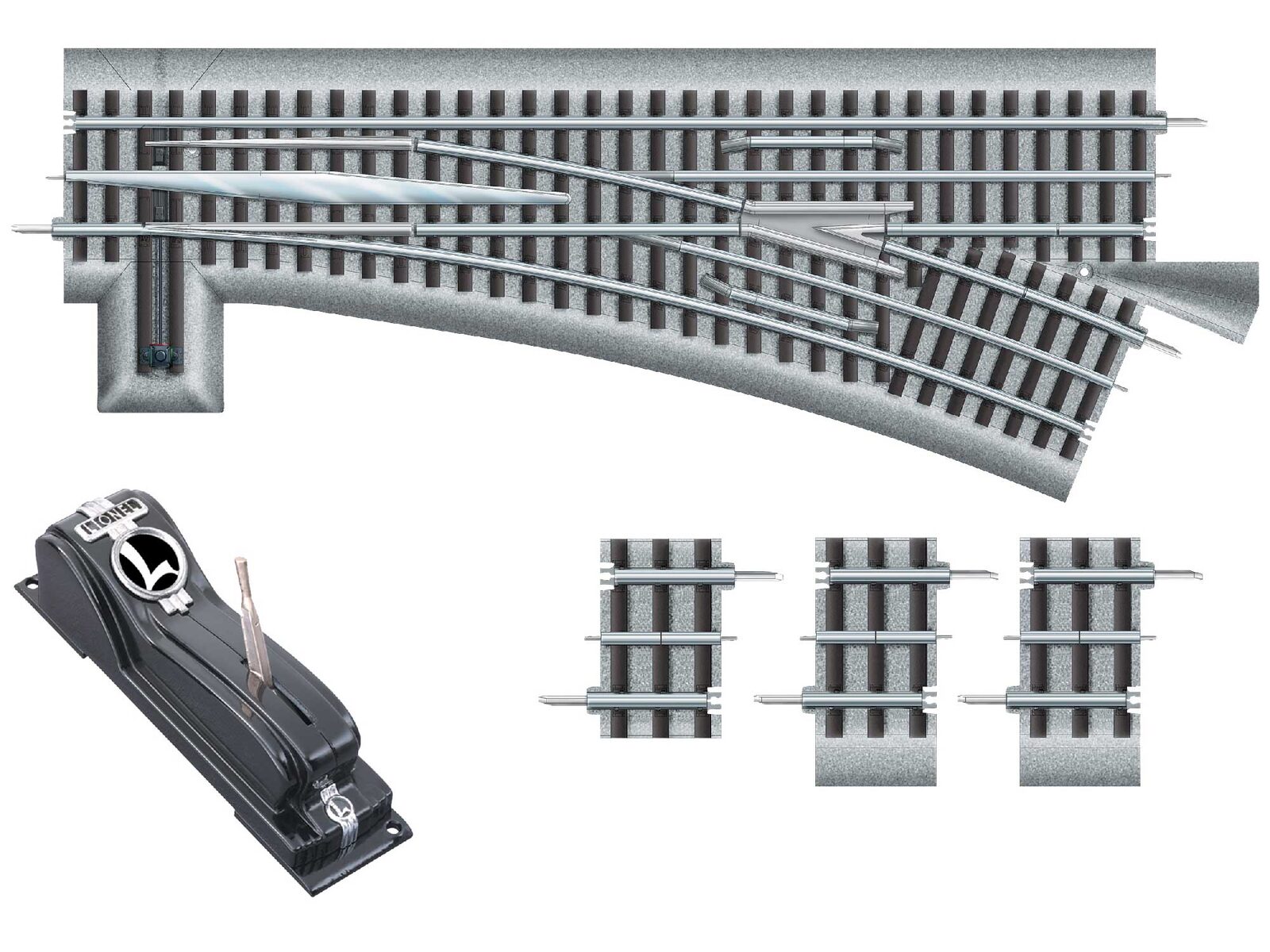
You press the button on the controller and nothing happens. Or the switch throws at full throttle but not when the train is creeping along, or it works from the controller but ignores your CAB remote. A Lionel FasTrack remote switch that won't throw usually comes down to power, programming or something physically blocking the points. This guide covers FasTrack Remote/Command Control switches, the type sold separately and in Lionel's add-on track packs, and walks through each cause in the order you should check it.
Before you start: turn the power off before you lift or rewire a switch. Lionel notes that modifying the switch or attempting repairs yourself voids the warranty, so on a newer switch, stick to the checks below and send internal problems to a Lionel service center.
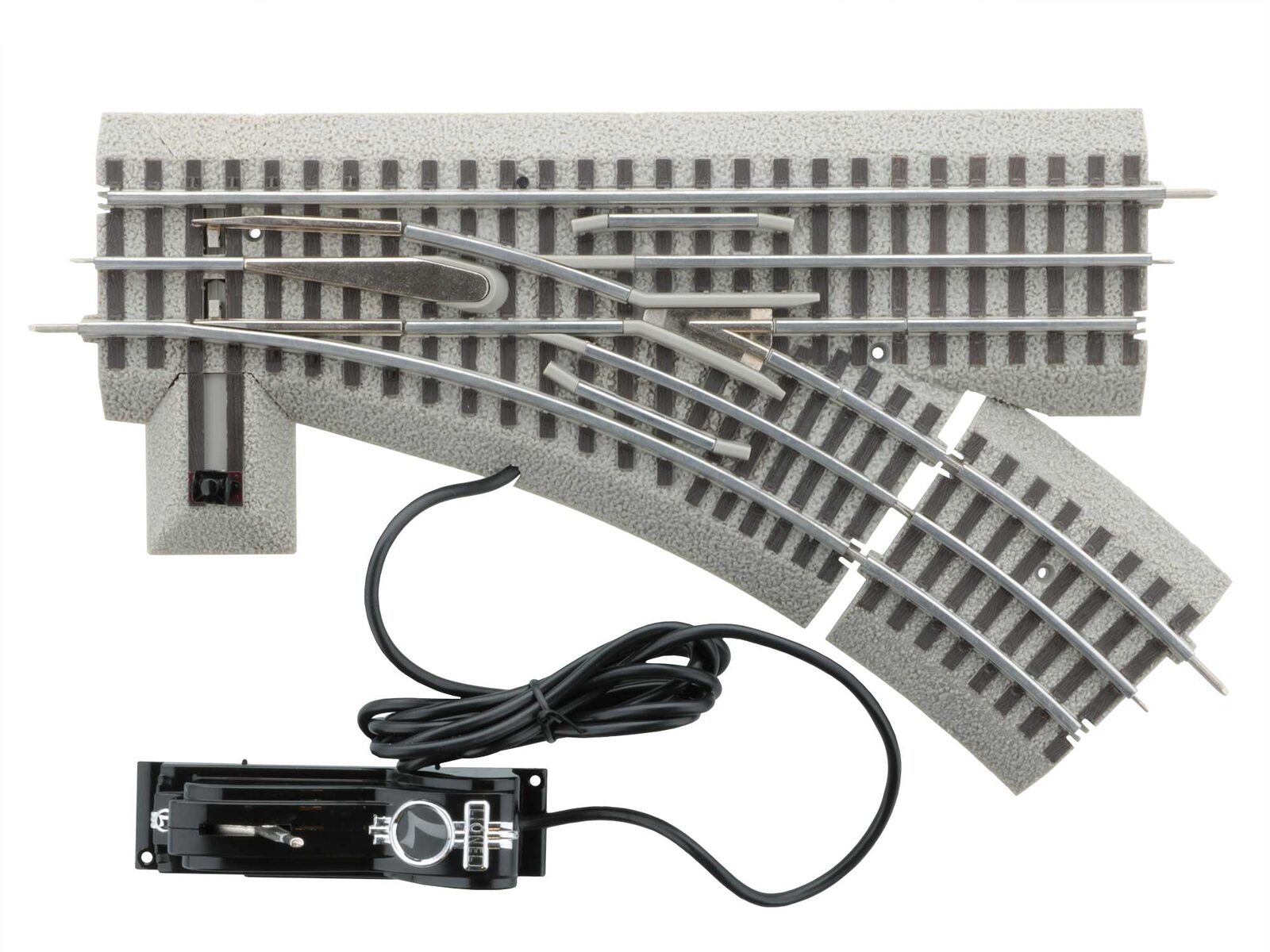
How a FasTrack Remote Switch Works
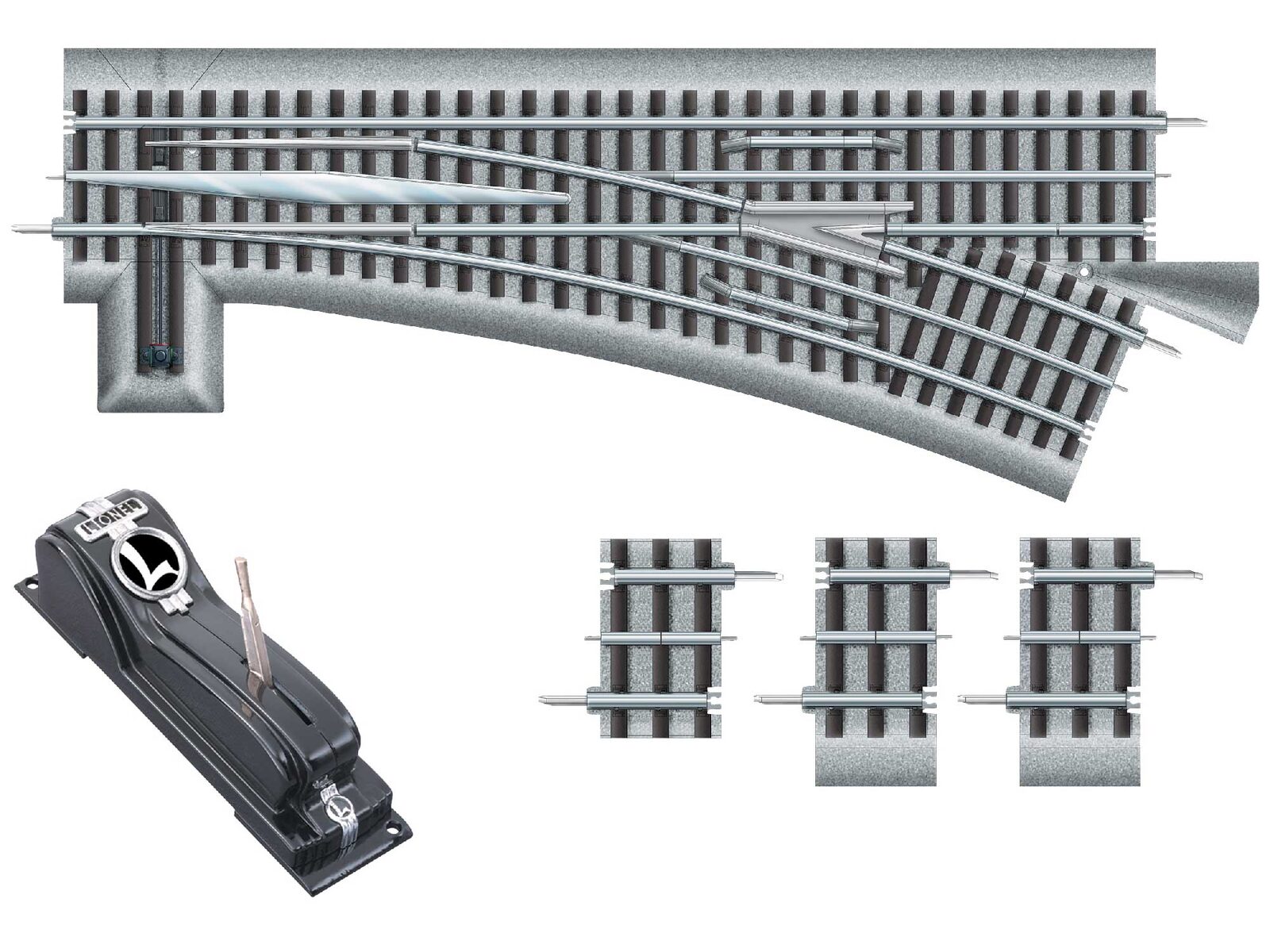
A small motor in the housing beside the points moves the switch. Out of the box it runs on track power, and you throw it with the controller that plugs into the switch: Lionel's manual says green lights on the controller mean the straight route and red means the curved route. The same switch can also be thrown from a Lionel CAB remote in command mode, and it has a non-derailing feature: when a train approaches from the converging track, its wheels trigger the switch to line itself so the train does not derail.
1. The Controller Does Nothing
- Is track power on? This catches a lot of people. Lionel's manual states that track power must be on to operate the switch using the controller. With the throttle at zero on a conventional transformer, the switch has no power.
- Check the controller cable. Make sure it is firmly plugged in at the switch and not pinched under the track or benchwork. The cable has four colored wires; a loose or broken wire kills the controller.
- Swap controllers. If you have two switches, swap their controllers. If the problem moves with the controller, the controller or its cable is bad.
- Check the switch lantern. If the lamp and lights are dark, the switch is not getting power at all; look at the track connections and feeders. Our O gauge wiring guide covers feeders and track power.
2. It Throws at High Speed but Not at Low Speed
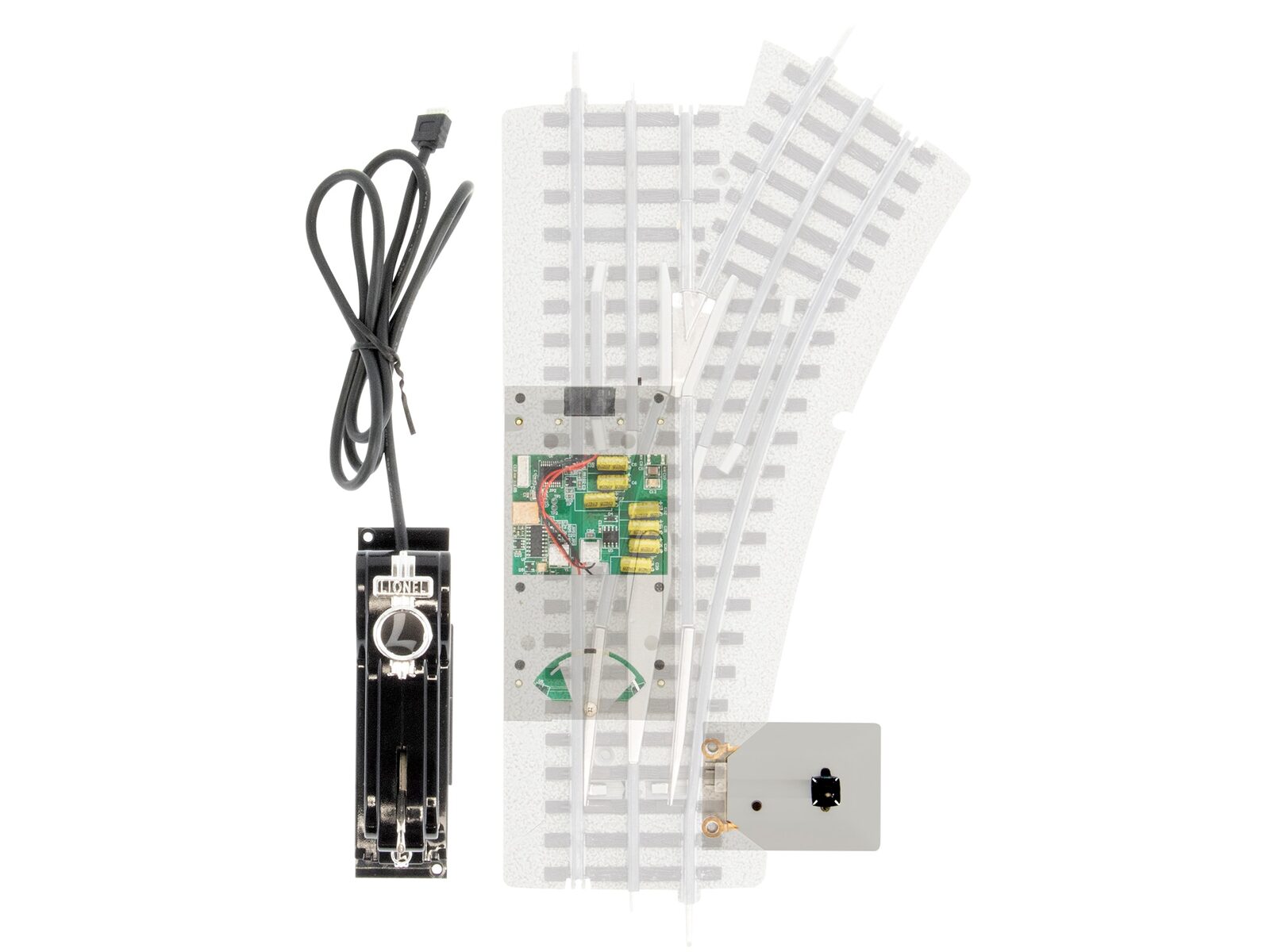
Because the switch takes its power from the track by default, it gets weak or quits when track voltage is low, which is exactly when a train is creeping into a yard. The fix is to give the switch its own steady power. Lionel's manual describes the steps:
- Remove the jumper between the TRACK JUMPER and AUX IN terminals on the switch, and keep it in case you want to go back.
- Connect a separate AC accessory supply: the power terminal to AUX IN and the common terminal to AUX GND.
- Lionel says the switch operates best at 5 to 18 volts AC.
With auxiliary power, the switch throws the same way at any train speed, and even with track power off. Many operators run all their switches from one accessory supply for this reason.
3. It Ignores Your CAB Remote (Command Mode)
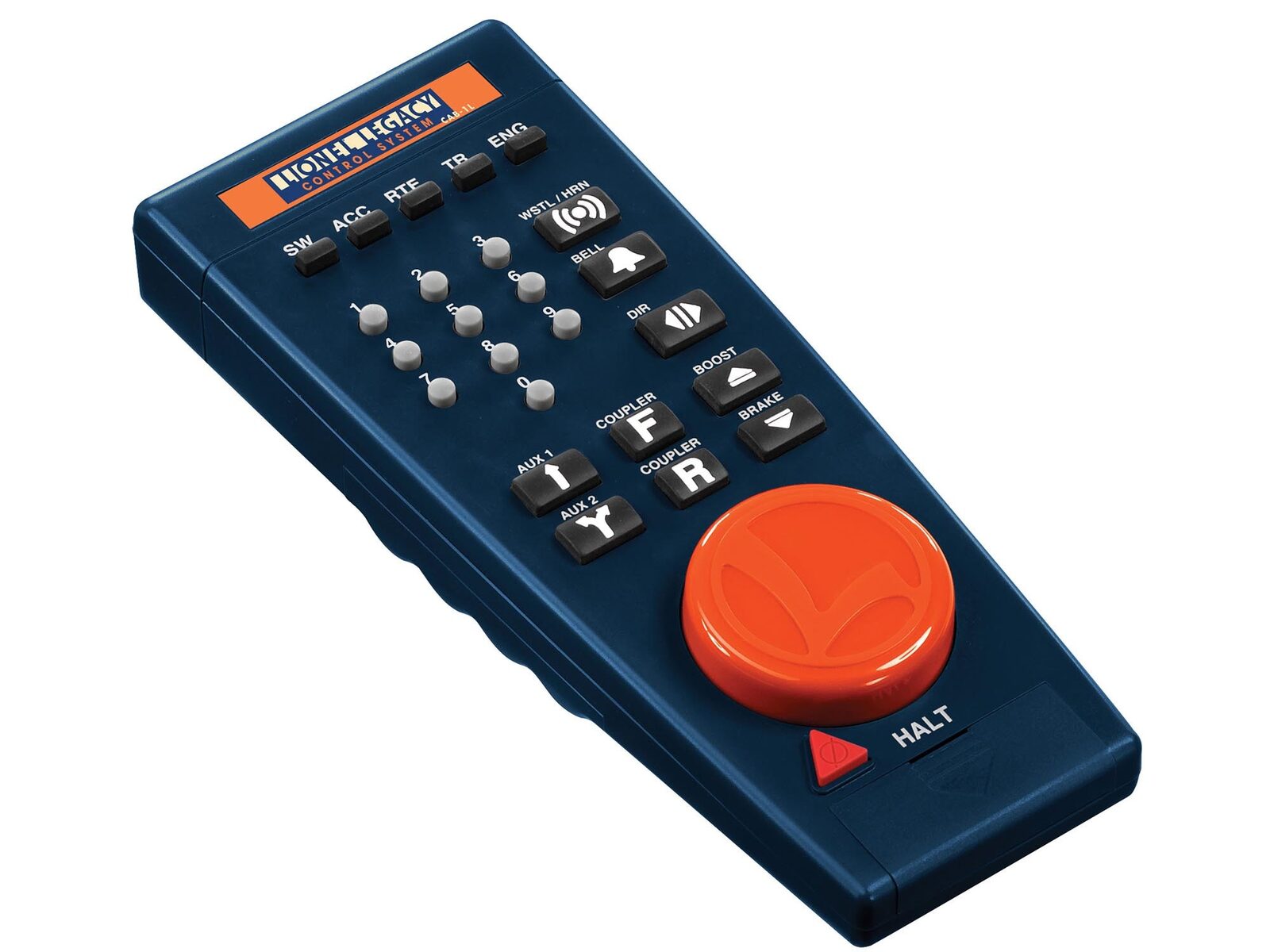
In command mode, each switch answers to an ID number. Lionel ships them all set to ID 1, so on a layout with several switches, either none respond the way you expect or several throw at once.
- Program a unique ID: with track power on, press and hold the program button on the switch for 1 to 2 seconds until the lantern blinks. On the CAB, press SW, the new ID number (1 to 99), then SET. The lantern goes steady when it is done.
- Test it: press SW, the ID, then alternate AUX1 and AUX2. The switch should throw back and forth.
- Program before you install. Lionel recommends giving each switch its ID before it goes into a hard-to-reach spot.
- Check track voltage in command mode: Lionel's manual says to run a traditional transformer at full, no more than 19 volts, or set a PowerMaster to CMD.
Upgrading your command system? Our guide to LEGACY upgrades from TMCC covers what changes.
4. The Motor Runs but the Points Don't Move
If you hear the switch motor buzz or click but the points stay put, something is blocking them.
- Debris: a piece of ballast, a screw, tinsel or carpet fiber caught between the point rails and the stock rails. Clear it with tweezers or a soft brush.
- Ballast and glue: glue or ballast that has worked into the points or the slot under the throw bar will lock them solid. Keep ballast and glue well away from the points and the machine; our ballasting guide covers how to mask switches.
- Paint and weathering: paint on the moving parts can glue them in place. Clean it off carefully.
- A twisted or uneven mounting: screwing a switch down over an uneven surface can twist the roadbed and bind the points. Loosen the screws and see if it frees up, then shim it level.
If the points are clear and move freely by hand with the power off, but the motor will not move them, the switch machine itself may have failed. Lionel lists the LEDs as not user serviceable, and repairs inside the switch void the warranty, so contact a Lionel service center.
5. Trains Derail or Take the Wrong Route
- The non-derailing feature did not trigger. It works by sensing the train's wheels, so dirty rails at the switch or cars and engines with plastic wheels may not trigger it. Clean the rails, and if a train still runs through against the points, Lionel's manual says to set the switch with the controller first.
- The switch only threw partway. A weak throw from low track power (cause 2) can leave the points not fully closed, so wheels pick the gap. Auxiliary power fixes it.
- Wheels or track out of gauge. If one car always derails at a switch, check its wheels. Our guide to trains that stall on switches and dead spots covers related switch problems, and a derailment on a switch can also short out the layout.
Quick Checklist
- Turn track power on; the controller will not work without it in conventional mode.
- Check the controller cable and swap controllers to test.
- Add auxiliary accessory power (5 to 18 volts AC) if it only throws at high speed.
- Give every switch a unique command ID and test with SW, ID, AUX1 and AUX2.
- Clear debris, ballast, glue and paint from the points.
- Make sure the switch is mounted flat and not twisted.
- Clean the rails so the non-derailing feature can sense the wheels.
- Send it to a Lionel service center if the motor runs but cannot move clean, free points.
Shopping for new switches instead? See our picks for the best O gauge switches and turnouts.
Frequently Asked Questions
Why won't my Lionel FasTrack switch throw?
Most often there is no track power, since the switch runs on track power by default and Lionel says track power must be on for the controller to work. Other causes include a loose controller cable, debris or ballast in the points, or a command ID that does not match.
Why does my FasTrack switch only work at high throttle?
It is powered from the track, so at low track voltage it gets weak. Remove the jumper between TRACK JUMPER and AUX IN and power it from a separate accessory supply; Lionel says it operates best at 5 to 18 volts AC.
How do I program a FasTrack switch for command control?
With track power on, hold the program button on the switch for 1 to 2 seconds until the lantern blinks, then press SW, the ID number and SET on the CAB remote. Every switch ships set to ID 1.
What does the non-derailing feature do?
When a train approaches the switch from the converging track, its wheels trigger the switch to line itself up so the train does not run through the points and derail.
Can I repair the inside of a FasTrack switch myself?
Lionel notes that modifying the switch or attempting repairs voids the warranty and lists the LEDs as not user serviceable. For internal failures, contact a Lionel service center.
Newsletter
Weekly O-gauge tips & reviews
New reviews, layout ideas, and hobby news, straight to your inbox.