How to Fix a Lionel Horn or Whistle That Won't Sound: Complete 2026 Repair Guide
October 25, 2026
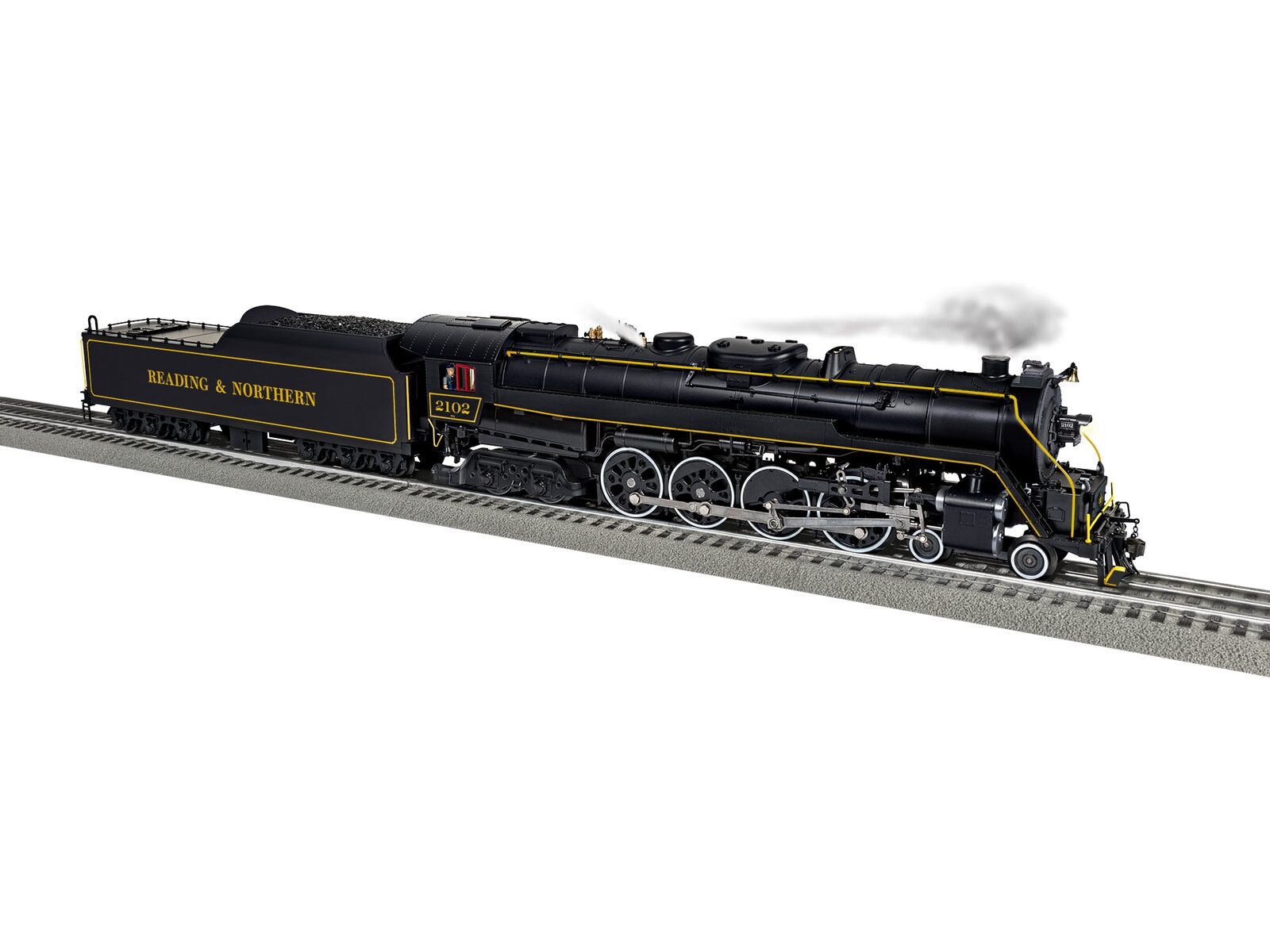
A Lionel horn or whistle that won't sound is one of the most common complaints after returning a locomotive to service. Everything else works (the locomotive runs, lights work, smoke works) but you press the button and nothing happens. Or you get a weak whistle instead of the full airhorn. This complete 2026 guide walks through diagnosing and fixing Lionel horn and whistle problems across LionChief, LionChief Plus, TMCC, LEGACY, and conventional operation: the specific failure modes, how to test each one, and the repair approach that gets your locomotive sounding right again.
How Lionel Horns and Whistles Work
Lionel locomotive audio systems differ dramatically by tier. Understanding which system your locomotive uses determines the troubleshooting approach:
Conventional (postwar, early modern): Mechanical whistle on steam locomotives, air-driven diaphragm. Diesels use electrical horn with speaker-based reproduction.
LionChief Bluetooth 5.0 (current starter sets): Internal digital audio system triggered by LionChief Remote button press or LionChief app. Speaker-based audio reproduction.
LionChief Plus 2.0 (mid-tier): Enhanced digital audio with multiple sound samples, triggered by TMCC-compatible remote or LionChief app.
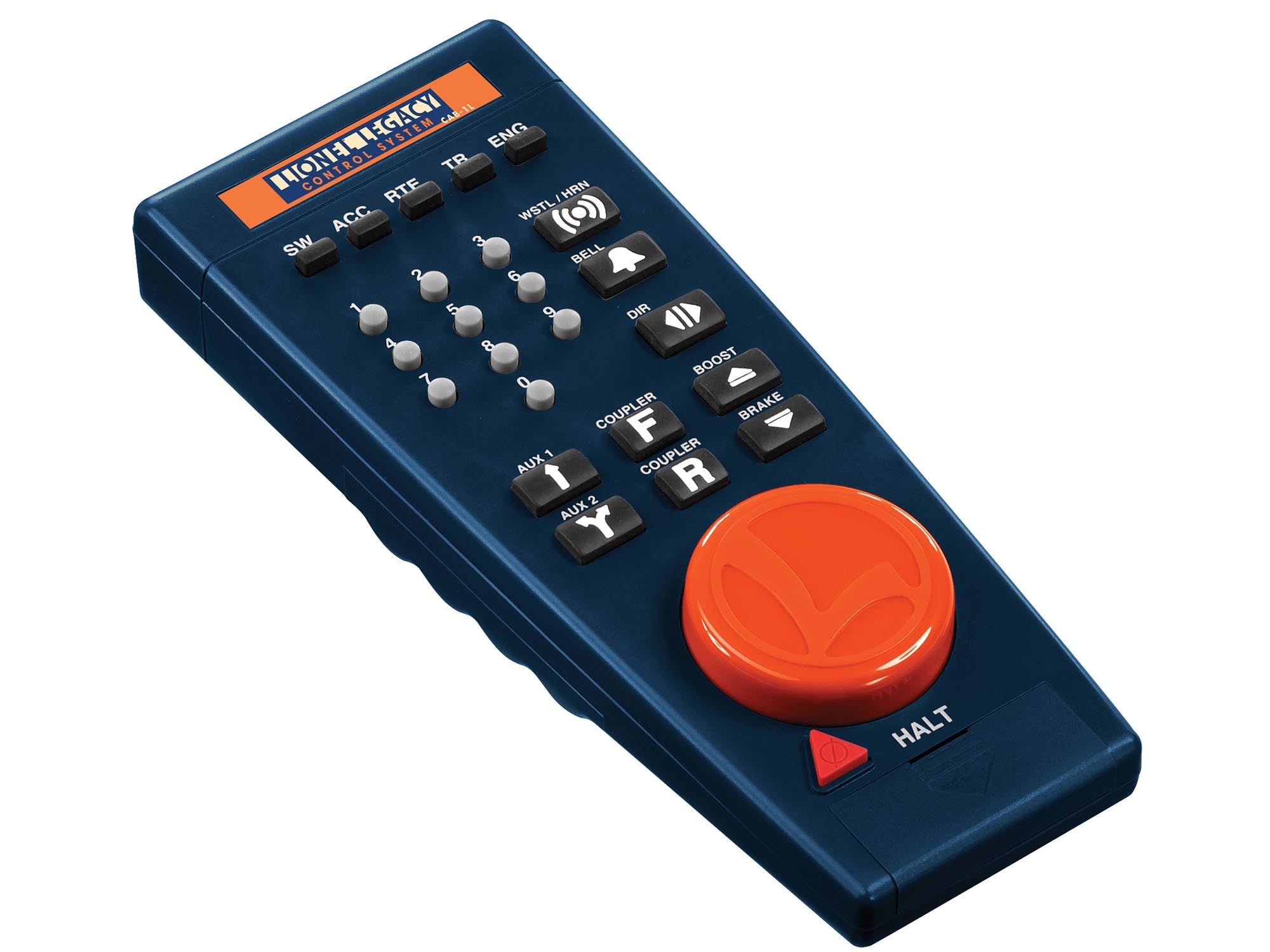
TMCC (older command system, 1990s-2000s): RailSounds generation 1-4 depending on era. Horn triggered by CAB-1 or CAB-1L remote.
LEGACY (current flagship): RailSounds 5.0 digital audio with multiple prototype-specific sound samples. Horn/whistle triggered by CAB-2, LEGACY app, or compatible controller.
Vision Line (above LEGACY): Enhanced RailSounds 5.0 with expanded sample libraries and additional audio features.
Step 1: Identify the Specific Failure Mode
Before any repair, identify exactly what's wrong:
No sound at all when button pressed: Could be command signal issue, speaker failure, or electronic module failure.
Weak or distorted sound: Usually speaker issue or audio processing problem.
Short sound that cuts off: Audio sample truncation or power delivery issue.
Wrong sound (bell instead of horn, etc.): Command signal confusion or settings issue.
Sound works in conventional but not command: Command system configuration issue.
Sound works in command but not conventional: Normal, many modern locomotives only use command system audio.
Intermittent sound: Connection, voltage, or electronics intermittent fault.
Step 2: Verify Command System First
Most "no sound" complaints resolve at this step:
For LionChief Bluetooth 5.0
Check pairing: Open LionChief app, verify locomotive is paired. Pairing can drop with battery changes or long storage.
Check remote battery: LionChief remotes use standard AA batteries. Weak batteries cause intermittent commands.
Range check: Bluetooth range is approximately 30-50 feet. Walls and interference reduce range. Move closer to locomotive.
Reset locomotive: Power cycle locomotive (track power off/on). Many LionChief Bluetooth issues resolve with reset.
Volume setting: Verify horn volume in LionChief app isn't set to zero. Default is maximum.
For TMCC/LEGACY
Check controller ID: Verify CAB-1/CAB-2 is set to the locomotive's TMCC ID. Mismatched IDs mean commands don't reach the locomotive.
Check base connection: Verify TMCC Command Base or LEGACY Base is powered and connected to track. All command signals route through the base.
Check base ID: Verify base is set to correct TMCC ID range. Wrong range means no commands reach locomotives.
LEGACY-specific: Verify LEGACY app or CAB-2 is addressing the correct locomotive. LEGACY addressing is more complex than TMCC.
Horn volume setting: LEGACY and TMCC have programmable horn volume. If set to zero, no sound. Reset via controller.
For Conventional
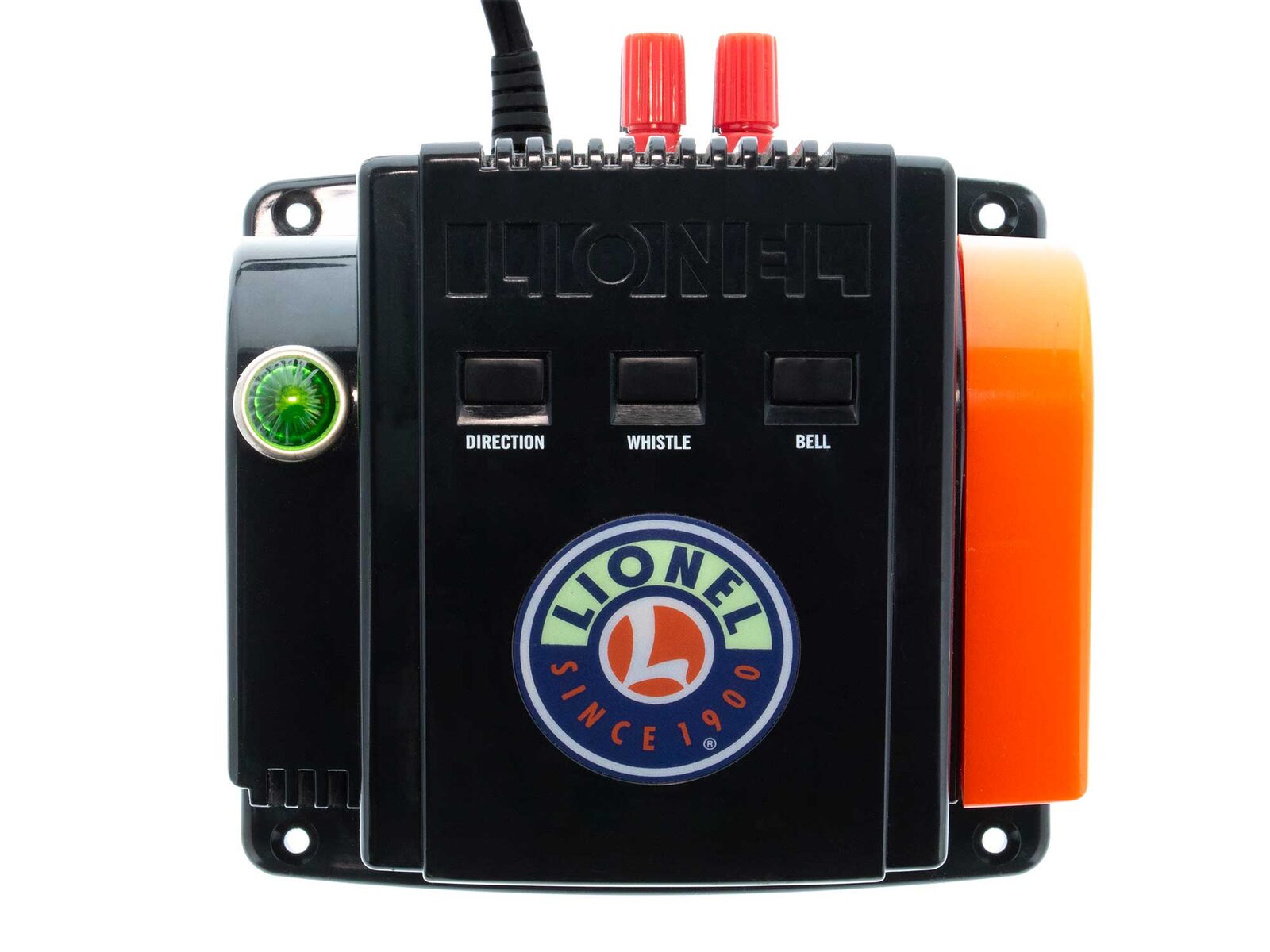
Transformer whistle controller: Verify transformer whistle control (ZW, KW, LW, 1033) is functioning. Press direction/whistle button, verify DC offset applied to track.
Transformer condition: Older transformers develop whistle circuit failures. Test with known-good locomotive to verify transformer.
Track voltage: Minimum voltage required for whistle operation (typically 10V+). Verify voltage during whistle attempt.
Step 3: Inspect the Speaker
If command system is verified working but still no sound:
Visual inspection: Open locomotive shell. Locate speaker. Visible damage, torn cone, or disconnection all identify speaker issue.
Connection check: Verify speaker wires connected securely to audio circuit board. Loose connections cause intermittent or no sound.
Speaker test: Multimeter continuity check across speaker terminals. Open circuit indicates failed speaker. Short indicates damaged speaker.
Speaker replacement: Standard speaker replacement typically $8-$15 for compatible units. Lionel parts program and specialty parts dealers carry replacements.
Installation: Remove failed speaker, install replacement with same polarity, secure in mounting location, test audio.
Step 4: Test the Audio Electronics
If speaker verifies working but still no sound:
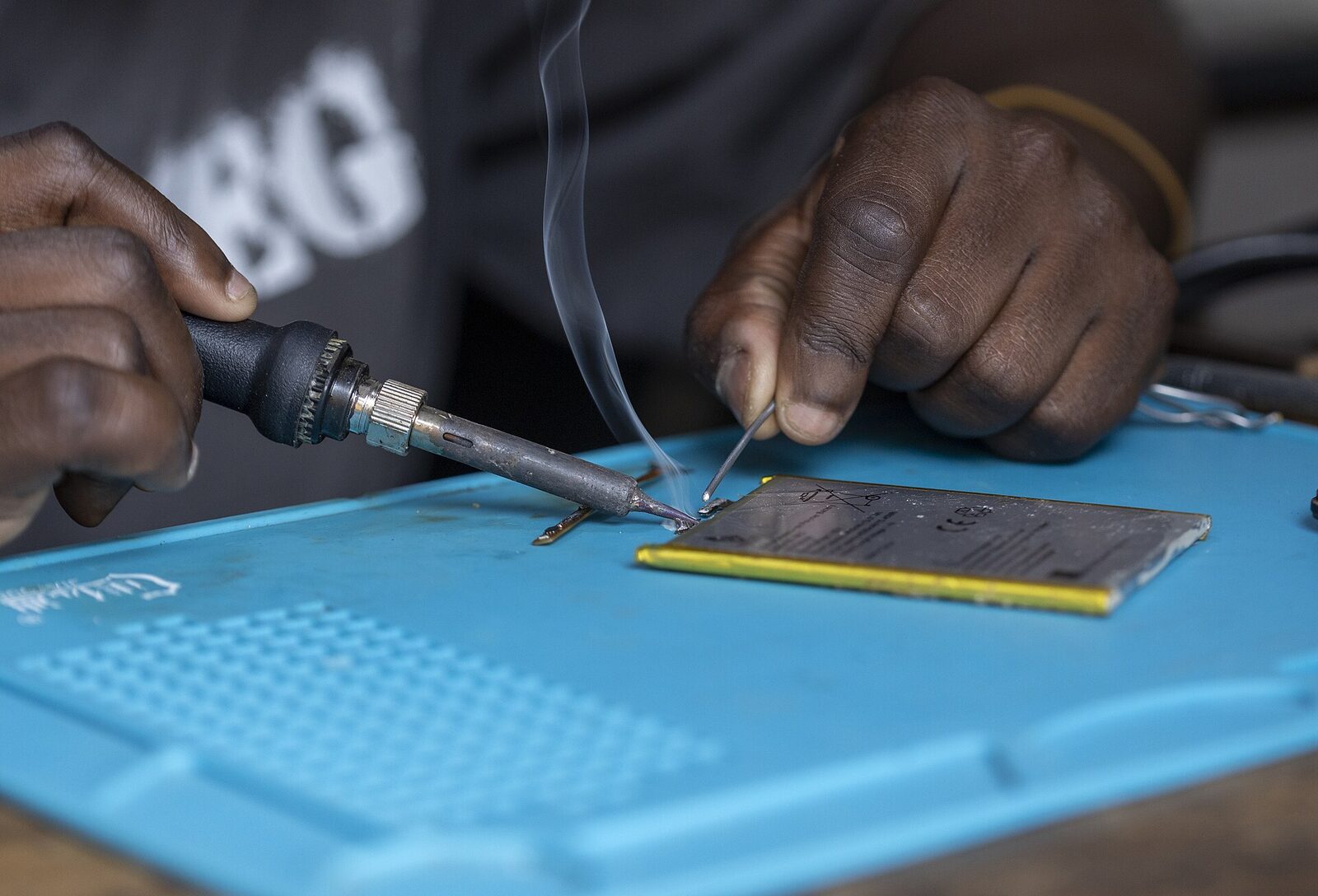
Audio circuit board: Modern Lionel audio uses dedicated audio circuit board. Visible damage (burn marks, loose components) identifies board failure.
Voltage check: With command signal active, verify voltage reaches speaker terminals. No voltage = circuit board failure.
Capacitor failure: Older audio circuits (TMCC-era RailSounds) sometimes develop capacitor failures. Visible bulging or leaking capacitors identify issue. Specialist repair.
Command module failure: If command signal reaches locomotive but audio doesn't trigger, command module interface may be failing. Authorized service recommended.
Firmware issue: LEGACY and Vision Line locomotives occasionally have firmware issues affecting audio. Firmware update via authorized Lionel service resolves.
Step 5: Conventional Steam Whistle Troubleshooting
Postwar and traditional steam locomotives use mechanical whistle mechanisms specific to conventional operation:
Diaphragm inspection: Open steam locomotive, locate whistle diaphragm. Visible damage, debris, or corrosion identifies issue.
Clean the chamber: Compressed air to clear debris from whistle chamber. Isopropyl alcohol swab for stubborn deposits.
Spring tension: Verify diaphragm spring tension correct. Loose spring reduces whistle volume; too-tight prevents operation.
Air passage check: Verify air passage from motor to whistle chamber is unobstructed.
Mechanical replacement: Whistle mechanisms are replaceable through Lionel parts program for most postwar locomotives.
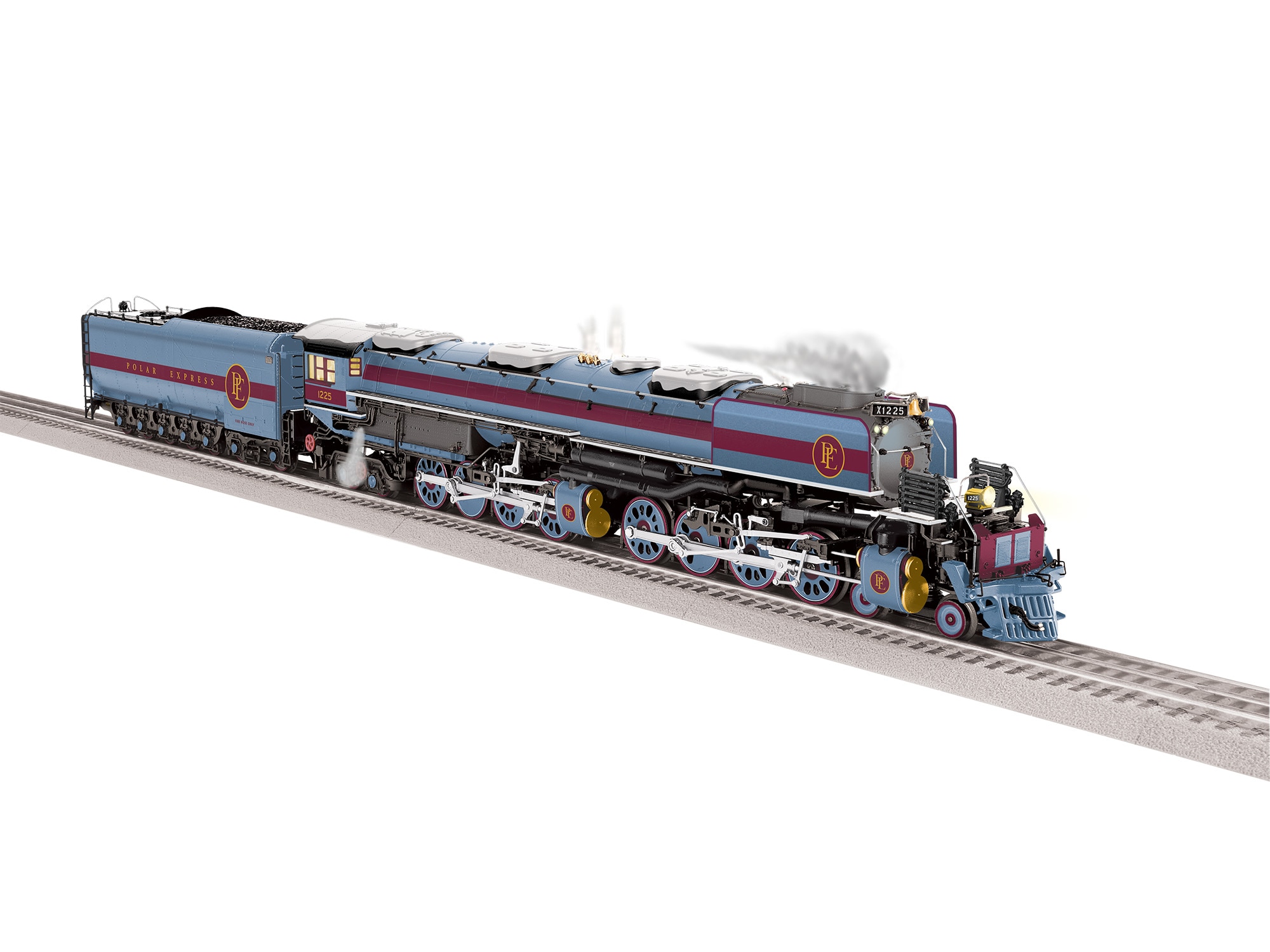
Step 6: Specific LEGACY/Vision Line Issues
Premium LEGACY and Vision Line locomotives have specific audio troubleshooting:
RailSounds 5.0 reset: Via CAB-2 programming sequence, perform RailSounds reset. Resolves transient audio configuration issues.
Multi-microphone audio: RailSounds 5.0 uses multi-microphone-sampled audio. Specific sample channels can fail while others continue. Audio variation symptom.
Horn/whistle variants: Modern RailSounds 5.0 includes multiple horn variants. Verify correct variant selected via CAB-2 or LEGACY app.
Firmware updates: LEGACY firmware updates occasionally improve audio behavior. Authorized Lionel service can update firmware.
Vision Line specific: Enhanced sound package often includes exclusive audio features (patriotic sounds on US 250th pieces, prototype-specific sequences). Verify features correctly enabled.
When to Call Lionel Service
Some audio issues require authorized service:
- RailSounds circuit board failures (specialized repair)
- Vision Line specific audio features
- Postwar restoration audio work
- Warranty-period failures (don't void warranty with DIY attempts)
- Electronic failures beyond basic component replacement
Lionel Customer Service: 732-635-5300. Direct to authorized service centers nationwide.
Preventive Maintenance for Audio Reliability
To minimize audio failures:
Store properly: Original packaging protects audio circuits from vibration and impact damage during storage.
Avoid moisture: Humidity damages speaker cones and audio electronics over time. Store in climate-controlled areas.
Clean speaker grills: Dust accumulation on speaker grills affects audio quality. Soft brush cleaning annually.
Verify operation regularly: Test horn/whistle operation each operating session. Early detection of degradation enables timely service.
Keep batteries fresh: LionChief remotes with fresh batteries ensure reliable commands. Replace annually or when weakness detected.
Avoid overdriving speakers: Maximum volume on LEGACY audio stresses speakers over time. Moderate volume extends speaker life.
Specific Symptoms and Quick Diagnoses
"Horn works then stops after a few seconds": Thermal protection circuit triggered. Allow locomotive to cool, test again. Repeated triggers suggest audio circuit replacement.
"Horn sounds muffled": Speaker damage or debris in speaker grill. Visual inspection and cleaning.
"Horn works at one speed but not another": Voltage-dependent issue. Audio circuit may need capacitor replacement.
"Horn works in day but not at night (temperature-sensitive)": Specific component thermal sensitivity. Authorized service for diagnosis.
"Different horn than I remember": Normal for RailSounds, multiple sample variants. Not a failure.
"Horn works, bell doesn't": Common LionChief and LEGACY issue. Separate audio channels for horn vs bell. Bell channel-specific failure.
Frequently Asked Questions
How much does audio repair cost?
Simple DIY (speaker replacement, cleaning): $10-$25 in parts. Audio circuit board replacement: $75-$200 depending on tier. Authorized Lionel service: $150-$400 depending on complexity.
Can I replace the RailSounds system in older locomotives?
Yes, as part of a LEGACY upgrade. Older TMCC locomotives can be upgraded to RailSounds 5.0 through authorized Lionel service.
Why does my LEGACY horn sound different from catalog samples?
Catalog samples use high-end audio equipment. Layout speakers reproduce the sound slightly differently. Also, different horn variants are selectable.
Can I use third-party speakers?
Yes, with matching impedance (typically 8 ohms) and comparable wattage. Verify dimensions match mounting location.
Is there a warranty on Lionel audio?
Current Lionel production carries manufacturer warranty. Specific terms vary by tier and era. Check with Lionel for your locomotive's warranty status.
Verdict
Most Lionel horn and whistle problems resolve through command system verification (most common cause), speaker inspection, and audio circuit troubleshooting. Start with command system check: pairing, volume settings, controller ID verification. Then inspect speaker and connections. For modern LEGACY and Vision Line locomotives, firmware updates and audio circuit replacement may require authorized service. Preventive maintenance (storage, moisture control, regular testing) minimizes future audio failures. For related repair guidance, see our coupler repair guide, our smoke unit repair guide, our Lionel troubleshooting guide, our complete repair guide, and our LEGACY upgrade guide.
Newsletter
Weekly O-gauge tips & reviews
New reviews, layout ideas, and hobby news — straight to your inbox.