How to Use Track Planning Software to Design Your O-Gauge Layout
April 13, 2026
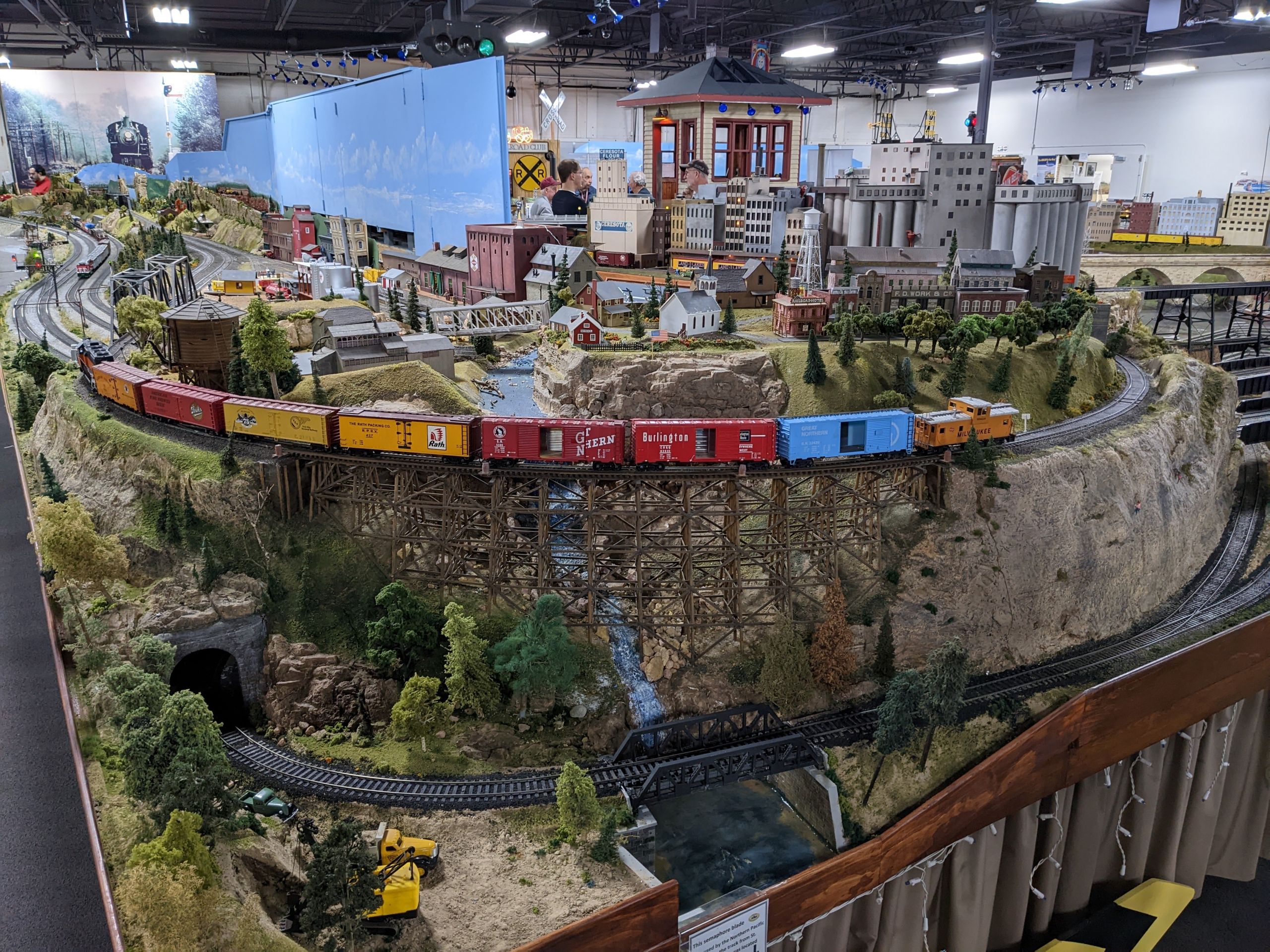
I bought, broke, fixed, or watched a friend wreck most of what's covered here. This is the honest take from someone with a working layout, not a content farm.
Stop Guessing — Plan It First
One of the most common mistakes new O-gauge hobbyists make is buying track before they have a plan. You order a starter set, a couple of expansion packs, and a few switches — then discover that your loop won't close on a 4x8 sheet, or your curves are too tight for that new Berkshire you've been eyeing. Track planning software eliminates that guesswork entirely.
The good news: there are excellent free and low-cost tools purpose-built for model railroaders, and several of them include full libraries of Lionel FasTrack and O-gauge Atlas track components. Once you learn the basics, you'll wonder how anyone ever planned a layout without them.
---
The Best Track Planning Software for O-Gauge
SCARM (Simple Computer Aided Railway Modeller)
SCARM is the most popular free option, and for good reason. It supports a wide range of track systems including Lionel FasTrack, Atlas O, and Gargraves — and the library is updated regularly. The interface is drag-and-drop, so you don't need any CAD experience. You can set your baseboard dimensions, drop in track sections, rotate and connect them, and immediately see whether your design closes and fits.
SCARM also handles elevation, so if you're planning a loop-over-loop or a grade up to a mountain tunnel, you can model that in 3D before committing. Download it free at scarm.info.
AnyRail
AnyRail is the premium choice and arguably the most polished track planning software available for any scale. It supports over 100 track brands and scales, has an intuitive snap-to-connect system, and renders a clean, readable layout view. A license runs around $60 for lifetime use — well worth it if you're planning a serious layout. The O-gauge FasTrack library is comprehensive, covering standard curves, O-36 through O-84 radius options, switches, and accessories.
One feature that sets AnyRail apart: it calculates your exact parts list automatically, so you know precisely how many straight sections, curves, and switches to order before you spend a dime.
XtrkCAD
XtrkCAD is another free, open-source option with a steeper learning curve than SCARM or AnyRail, but it's extremely powerful. It's best suited for hobbyists who are comfortable with technical tools and want deep control over every aspect of their design. The O-gauge library support has improved significantly in recent years.
---
Key Things to Model Before You Build
Curve Radius
This is the single most important constraint in O-gauge planning. Lionel FasTrack comes in O-31, O-36, O-48, O-60, O-72, and O-84 radius curves. Your longer steam locomotives — Big Boys, Berkshires, Hudsons — need at least O-54 or O-60 to run smoothly. Always check the minimum curve specification on any locomotive before finalizing your plan. Track planning software makes it easy to try multiple radius options and see what fits your space.
Turnout (Switch) Placement
O-gauge switches take up more real estate than beginners expect. Plan for adequate approach track on both the straight and diverging routes. Placing a switch immediately after a curve is a common mistake that causes derailments — leave at least one straight section between any curve and a switch.
Grades and Clearances
If you want a second level, plan your grade carefully. A grade steeper than 2–3% will cause heavy steam locomotives to stall or struggle. Most track planning software lets you visualize elevation changes and calculate the grade percentage between two points automatically.
---
Practical Tips for Getting the Most Out of Your Software
Start with your space, not your dream layout. Enter your exact baseboard dimensions first. It's tempting to sketch a fantasy layout and fit it to a table later — that approach almost always leads to compromises.
Use the parts list feature. Both AnyRail and SCARM can export your track inventory. Cross-reference this against what you already own before ordering.
Plan for access. A beautiful layout that you can't reach to rerail a car is a frustrating layout. Most experienced modelers recommend keeping every point on the layout within 30 inches of an aisle or edge. Mark your reach zones in your plan.
Save multiple versions. Keep a "current" file and an "experimental" file. Try radical changes in the experimental version before committing to your main plan.
Check the clearances on your switches. Some Lionel accessories (like operating coal loaders or log dumps) require specific track configurations around them. Model those in your plan before you build the surrounding scenery.
---
From Plan to Build
Once your plan is finalized, print it to scale if possible — some software lets you tile a full-size printout across multiple sheets of paper that you tape together and lay on your benchwork as a template. This makes placing your first track sections dramatically easier and more accurate.
A few hours in track planning software before you buy anything can save you real money and prevent the all-too-common experience of tearing up and rebuilding a layout from scratch. Plan it once, build it right.
Newsletter
Weekly O-gauge tips & reviews
New reviews, layout ideas, and hobby news — straight to your inbox.