How to Fix Lionel Locomotive Sound Problems: Complete 2026 Troubleshooting Guide
August 21, 2026
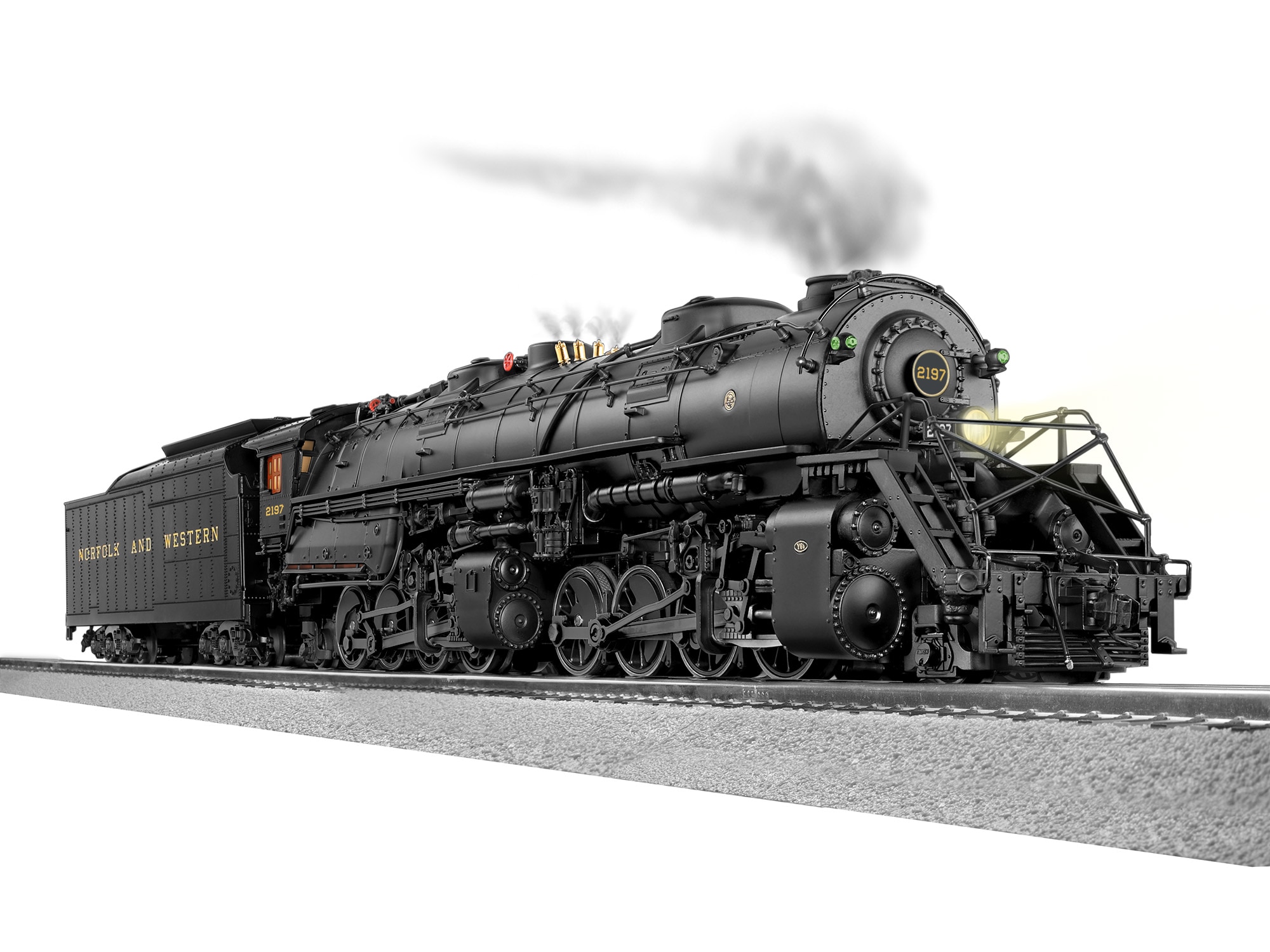
Lionel locomotive sound problems are one of the more frustrating issues in O-gauge operation. A locomotive that runs perfectly but has silent horn, missing bell, cutting-out prime mover audio, or scrambled sound effects breaks the immersive experience Lionel's premium audio systems are supposed to deliver. The good news: most Lionel sound issues are diagnosable and fixable at home with basic troubleshooting.
This complete 2026 guide walks through the eight most common Lionel locomotive sound problems, how to diagnose each one, and how to fix them. Whether you have a base LionChief locomotive with basic sound, a LionChief Plus 2.0 with LionChief LC audio, or a full LEGACY locomotive with RailSounds 5.0, this guide covers the diagnostic workflow that applies to all Lionel sound systems.
How Lionel Sound Systems Work
Understanding the basics helps with troubleshooting. Every Lionel sound system has these components:
Speaker: Physical speaker inside the locomotive body. Typically 1-2 inches diameter mounted in the fuel tank area (diesel) or under the cab (steam). Larger speakers on premium tiers produce better sound.
Sound board: Electronic board storing digital audio samples and controlling playback. LionChief uses simpler sound boards; LEGACY uses more sophisticated RailSounds 5.0 boards with multi-sample layering.
Command receiver: Bluetooth (LionChief) or LEGACY (TMCC) receiver that interprets commands and triggers appropriate sound effects.
Power circuit: Electrical connection from track power to the sound board and speaker.
Volume control: Physical or command-controlled volume adjustment. Some locomotives have physical volume switches; command-tier locomotives adjust volume via controller.
When any component fails or is misconfigured, sound problems result. Diagnosis identifies which component is at fault.
The 8 Most Common Lionel Sound Problems
Problem 1: No Sound At All
The locomotive runs but produces zero sound. Most common cause: sound is disabled at the controller/app level.
Diagnosis: Check your controller settings. On the LionChief app, verify "Sound On" is enabled. On the LEGACY CAB-2, verify sound is not muted (mute button is typically the volume-down button held).
Fix: Enable sound from the controller. On LEGACY, unmute if muted. On LionChief app, toggle sound on.
If controller settings are correct: Check for a physical volume switch on the locomotive body (LionChief pieces often have a small volume switch). Verify switch is set to on/loud position.
If still no sound: Speaker may have failed or wiring connection lost. Requires service.
Problem 2: Sound Cuts Out Intermittently
Sound plays sometimes but drops out during operation. Usually indicates power delivery issues.
Diagnosis: Check track cleanliness. Dirty track causes intermittent power connection to the locomotive. See our track cleaning guide. Check wheel cleanliness on the locomotive — dirty wheels lose contact with rails.
Fix: Clean track thoroughly with track-cleaning car or hand-cleaning. Clean locomotive wheels with track-safe wheel cleaner or isopropyl alcohol on a rag. Verify no loose rail joiners along the route.
If cleaning doesn't fix it: Internal wiring connection may be intermittent. Locomotive requires service to inspect internal connections.
Problem 3: Sound Plays But Volume Is Very Low
Sound is present but faint even at maximum volume setting.
Diagnosis: First verify volume is at maximum via controller. On LEGACY, use volume-up until at max. On LionChief app, drag volume slider fully right.
Fix: If volume is already max but sound remains faint, the speaker may be partially blocked (dust, small debris) or the enclosure may have a leak. Remove the locomotive body carefully and inspect the speaker area.
Common speaker enclosure issues: Missing rubber gasket around speaker, cracked speaker mount, debris in speaker cone, or fuel tank casting with gap that lets sound escape internally instead of projecting outward.
Fix: Reseat speaker with proper enclosure gasket. Clean debris from speaker cone with soft brush. Replace speaker if cone is torn or coil is damaged.
Problem 4: Sound Is Distorted or "Scratchy"
Sound plays but with distortion, popping, or scratchy quality that wasn't present when new.
Diagnosis: Damaged speaker cone is the most common cause. Speaker cones can be torn by physical impact, moisture damage, or age deterioration.
Fix: Speaker replacement. Lionel replacement speakers are available from parts dealers ($15-$35 depending on size). Installation requires basic soldering and locomotive body disassembly.
Alternative causes: Loose speaker mount (vibration causes distortion), damaged speaker wiring (broken wire strand), or failing sound board component. If speaker replacement doesn't fix it, board-level service is needed.
Problem 5: Wrong Sound Effects Playing
Locomotive plays incorrect sounds — steam whistle on a diesel, wrong prime mover note, or wrong horn.
Diagnosis: This is typically a sound board issue where the wrong sound bank was loaded or the sound assignment has been corrupted. LEGACY-tier locomotives can occasionally have this happen after firmware updates.
Fix: Reset the locomotive to factory defaults. Consult the locomotive manual for reset procedure — typically involves holding a specific button combination while powering on the locomotive.
If reset doesn't work: LEGACY firmware may need reflashing at a Lionel service center. LionChief-tier locomotives with wrong sound typically require sound board replacement.
Problem 6: Horn/Whistle Doesn't Play
Prime mover and bell sounds work, but horn or whistle button produces no sound.
Diagnosis: First verify the horn/whistle command is being sent from your controller. On LionChief, tap horn button and listen for any response. On LEGACY CAB-2, press horn button and verify command LED indicator responds.
Fix: If command is being sent but no sound, the horn/whistle sample may be corrupted. Try reset to factory defaults. If sample is fine but not playing, sound board has a specific trigger failure — requires service.
If command isn't sending: Controller button may be damaged. On LionChief app, try reinstalling the app. On LEGACY CAB-2, try alternate button assignment through configuration menu.
Problem 7: Bell Doesn't Play
Same as horn/whistle problem but affecting bell instead. Same diagnostic and fix workflow.
Additional note: Some locomotives have a "bell duration" setting — bell only plays for a set number of seconds even if button is held. Check locomotive documentation for bell timing configuration.
Problem 8: Prime Mover Sound Doesn't Change with Speed
Locomotive maintains constant prime mover audio regardless of speed changes — no notch changes on diesels, no chuff variations on steam.
Diagnosis: This indicates the locomotive's speed sensor isn't communicating properly with the sound board. Speed sensor is typically mounted on one of the trucks and reports wheel rotation to the electronics.
Fix: Inspect speed sensor for damage or contamination. Speed sensors can get dirty or the sensor magnet on the wheel can become misaligned. Clean sensor with cotton swab and check magnet alignment.
If sensor is fine: Sound board may not be receiving sensor signal. Requires service to trace the internal connection.
Step-by-Step Diagnostic Workflow
When troubleshooting any sound problem, work through these steps in order:
Step 1: Verify sound is enabled and volume is at maximum on your controller.
Step 2: Check for any physical volume switch on the locomotive body.
Step 3: Test on cleaned, verified-working track with clean locomotive wheels.
Step 4: Try resetting locomotive to factory defaults per manual.
Step 5: If sound quality is bad, remove locomotive body and inspect speaker.
Step 6: If specific sound effect isn't playing, verify command is being sent and try alternate button assignments.
Step 7: If problem persists after all above, escalate to Lionel service.
Tools You Need
Basic sound troubleshooting tools:
- Locomotive manual (for reset procedure specific to your model)
- Small Phillips screwdriver for body removal
- Track-safe wheel cleaner or isopropyl alcohol
- Cotton swabs
- Soft brush for speaker cleaning
- Small LED penlight for internal inspection
Advanced repair (speaker replacement) requires basic soldering iron and skill.
When to Seek Professional Service
Send to Lionel service or authorized Lionel service dealer when:
Sound board issues on LEGACY-tier locomotives. The complex electronics benefit from expert handling and may require firmware reflashing.
Speed sensor problems. Speed sensor reassembly requires disassembly typically warranting professional handling.
Internal wiring issues. Tracing intermittent connections requires expertise most home hobbyists don't have.
Locomotive is under warranty. DIY repair typically voids warranty on newer pieces.
Professional Lionel sound service typically costs $75-$225 depending on the specific issue and locomotive tier.
Preventive Maintenance
Prevent sound problems with basic maintenance:
Keep track and wheels clean: Most intermittent sound issues trace back to power delivery problems. Clean track prevents most audio dropouts.
Handle carefully: Speaker cones and internal components are fragile. Avoid dropping locomotives.
Store in stable environment: Extreme temperature and humidity can damage sound board components. Store locomotives in climate-controlled environments.
Update firmware: On LEGACY-tier locomotives, keep firmware current per Lionel's release schedule for optimal sound performance.
Frequently Asked Questions
How long do Lionel sound systems last?
Modern LEGACY sound systems typically last 15-25 years with normal use. LionChief sound systems typically 10-20 years. Failure modes vary — speaker cone deterioration is most common at end of life. Older LionChief pieces from 2010-2013 are now approaching the age where sound issues become more common.
Can I upgrade the sound in a base LionChief locomotive?
No. LionChief sound systems are integrated into the locomotive electronics and can't be swapped for LEGACY-tier sound boards. If you want better sound, purchase a LionChief Plus 2.0 or LEGACY locomotive.
Why does my sound cut out when the locomotive goes over turnouts?
Turnouts can create momentary power interruption as wheels transition through the frog. If sound cuts out consistently at specific turnouts, check that turnout for cleanliness and proper power routing. Insulated turnouts require correct wiring on both sides.
My horn plays but bell doesn't — is this a sound board problem?
Possibly. If both commands are being sent from controller but only horn plays, the bell audio sample may be corrupted or the specific sound trigger has failed. Try factory reset first; if that doesn't fix it, requires service.
Are LionChief and LEGACY sound systems repairable, or do you have to replace the whole board?
Speaker replacement is a discrete repair. Sound board repair is generally board-level — individual components on the board are typically not repaired. If the board has failed, the entire board is replaced. Cost varies from $50-$150 for LionChief boards to $150-$350 for LEGACY boards depending on the specific model.
Verdict
Most Lionel sound problems are diagnosable and fixable with basic troubleshooting. Enabled/muted state, dirty track, and damaged speakers cover the majority of home-fixable issues. Sound board failures and speed sensor problems typically warrant professional service. Regular maintenance (clean track, clean wheels, careful handling) prevents most sound problems from developing in the first place. For related Lionel troubleshooting, see our Lionel won't run troubleshooting guide, our smoke unit troubleshooting guide, and our motor brush repair guide.
Newsletter
Weekly O-gauge tips & reviews
New reviews, layout ideas, and hobby news — straight to your inbox.