How to Photograph Your O-Gauge Layout for Instagram
May 12, 2026
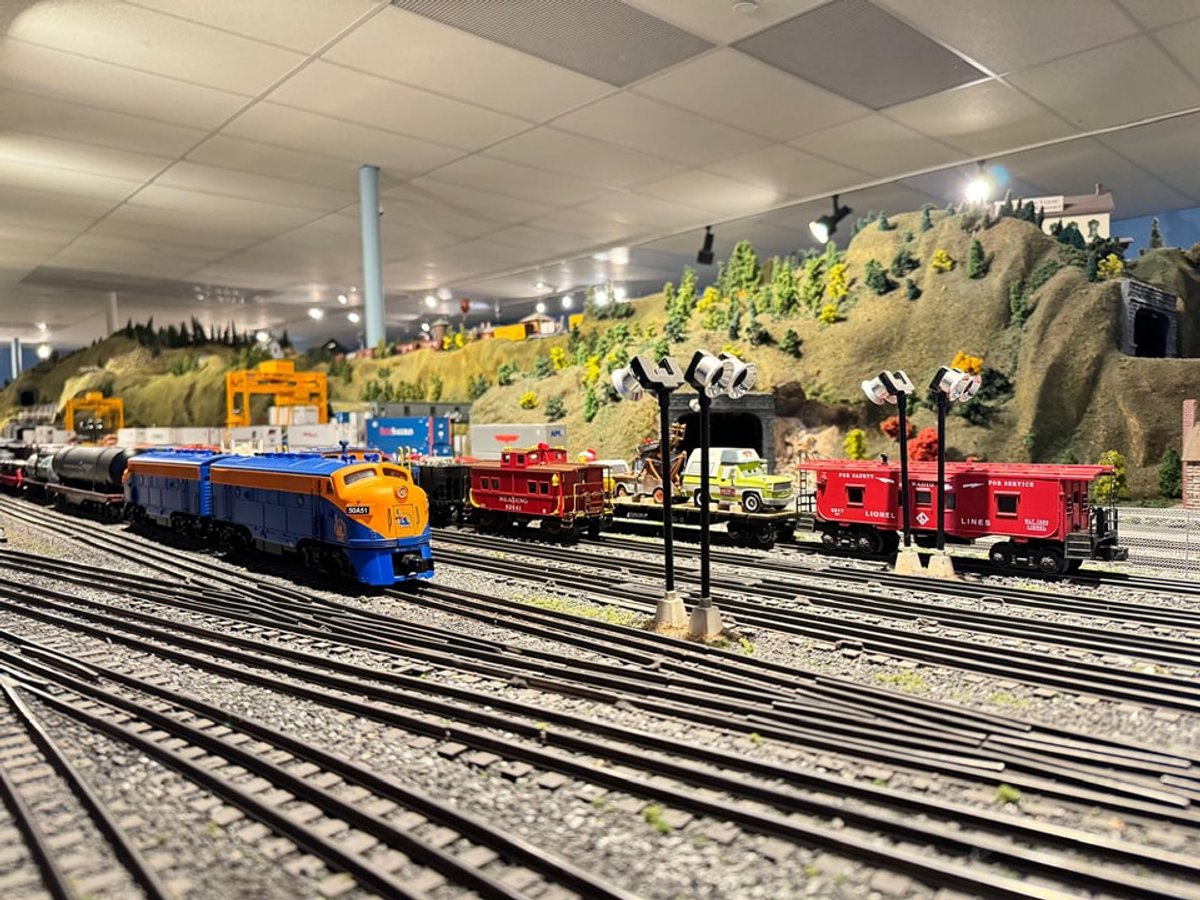
The difference between a great O-gauge layout photo and a mediocre one is almost never the layout — it is the photograph. Good technique, good lighting, and good composition make a $500 LionChief loop look better than a $10,000 Vision Line collection shot on a phone under fluorescent lights. Here is our vibetrains.com guide to photographing your layout for Instagram, YouTube, and social sharing.
Kill the Overhead Lighting
Fluorescent overhead lighting is the #1 killer of layout photos. It flattens shadows, pulls green casts into everything, and washes out warm scenes. Turn off the overheads. Rely on your layout's built-in lighting (station platforms, streetlights, lit buildings). If ambient is too dim, add one or two clip-on LED lights at eye level angled down at 30-45 degrees.
Shoot at Train Height
Phone at eye level looks down at your layout — the same view a viewer has if they are standing over it. Boring. Shoot at track height (bring the phone or camera down to rail level) and the scale of the locomotive suddenly reads correctly. Every professional O-gauge photograph is shot at or below train height.
Shoot in Manual Focus
Auto-focus on a phone will confidently choose the wrong subject in a layout scene. Tap-to-focus on the locomotive's front detail (headlight, driver, or number plate). Better: use a proper camera with manual focus and pick the exact point you want sharp.
Add Warm Lighting
Warm-white LED strips ($15 on Amazon) hidden behind the layout backdrop or under the valance transform photos. Even a single warm strip transforms a scene from "toy layout" to "vibe." Warm-white LED station platforms, warm LED interior building lights, and warm streetlights are all worth the modest investment.
Composition: Rule of Thirds
Position your locomotive or main subject one-third of the way from either edge, not dead center. Include a scenic element (building, tree, signal, figure) in the background third to create depth. Empty foreground and busy background almost always looks better than the reverse.
Post-Processing
Use Lightroom Mobile (free) or the built-in phone editor. Boost shadows, drop highlights, warm the white balance slightly, add mild contrast. Do not over-saturate; layouts photograph better with realistic color than punched-up Instagram colors.
Verdict
The best O-gauge Instagram accounts are almost all shot with intentional lighting, low camera angles, and post-processing that pulls the warm tones without going overboard. See our train room setup guide for lighting infrastructure that will pay off every time you photograph.
Newsletter
Weekly O-gauge tips & reviews
New reviews, layout ideas, and hobby news — straight to your inbox.